Hello!
New post for Azure Machine Learning Face APIs series
2. Hello Face: Face APIs in a Console App
3. Hello Face: Face APIs in a WPF App
4. Hello Face: Face APIs in a Windows 8.1 App
5. Hello Face: Frame in each detected face in Windows 8.1 App
6. Hello Face: Windows 8.1 Apps and MVVM
7. Hello Face: Webcam and Windows 8.1 Apps
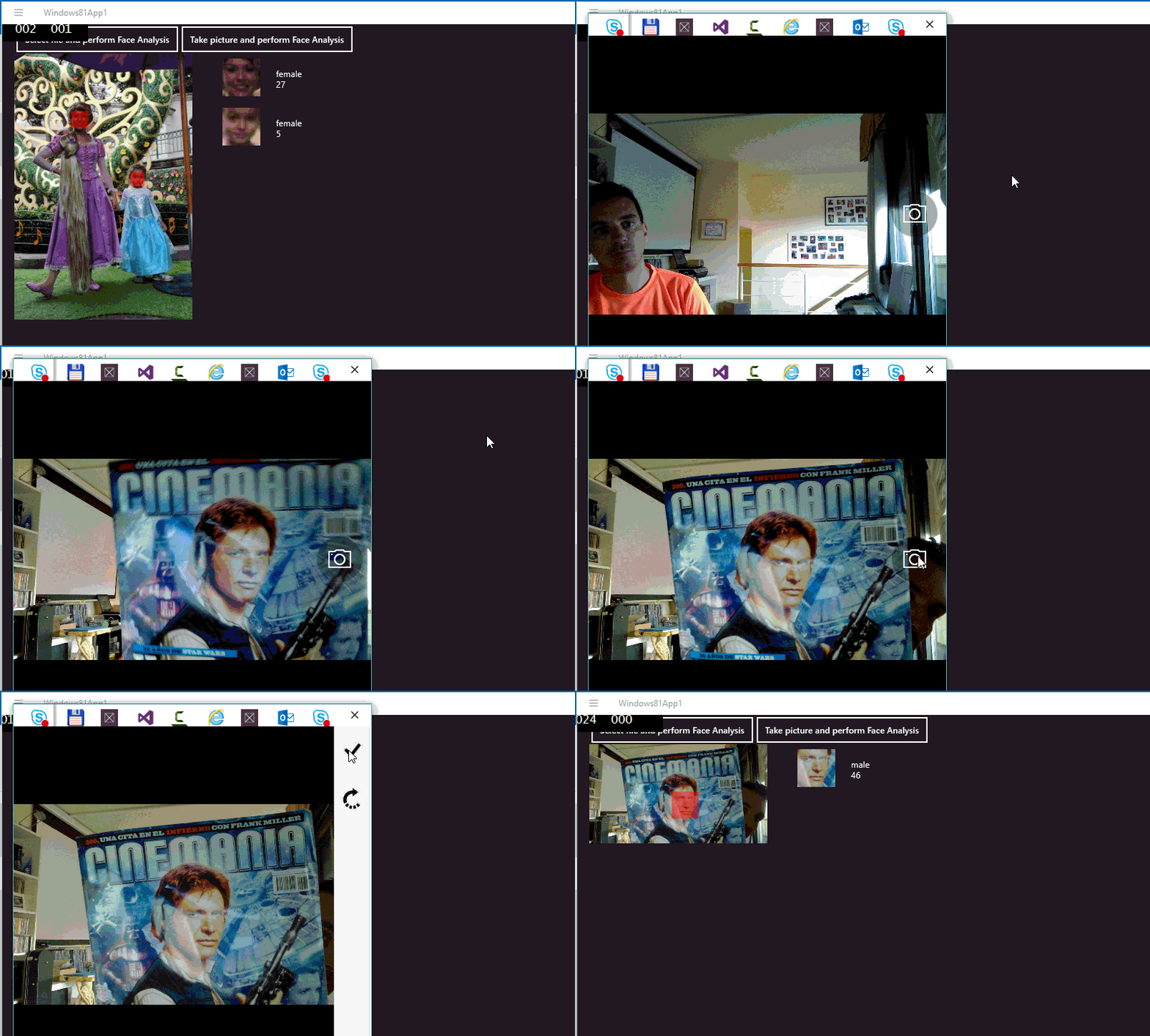
Yesterday I got a MVVM related question, today is how hard is to use the webcam and Face APIs. So you must add first some capabilities into your app so you can Access camera and mic, and I use this class (and old one) which takes and picture and returns a Storage File.

You can use an UI (like in the video) or in silet mode. Both returns a StorageFile, so you can reuse the code from previous posts.
A live sample like always
The source code is available in GitHub https://github.com/elbruno/ProjectOxford
Saludos @ Madrid
/El Bruno
Resources:
– MSDN System.UI.Xaml.Canvas
– MSDN Windows.Storage.StorageFile
 El Bruno
Leave a reply to #AZURE – #VisionAPI implementation for image analysis | El Bruno Cancel reply