Hi!
Yesterday I wrote that one of the most important news of the last Update of the Microsoft Quantum Development Kit was the support for Mac and Linux. Well, this is achieved because the basis of Q# is the interaction of a host in .Net Core 2.0 and the connection to the Quantum Simulator.
This allows us to work with Microsoft Quantum DevKit using any language that supports .Net. Where C # and F # may be the most popular. And it is on this basis that we can also use Microsoft Quantum DevKit in other platforms, using Visual Studio Code as a development tool
.

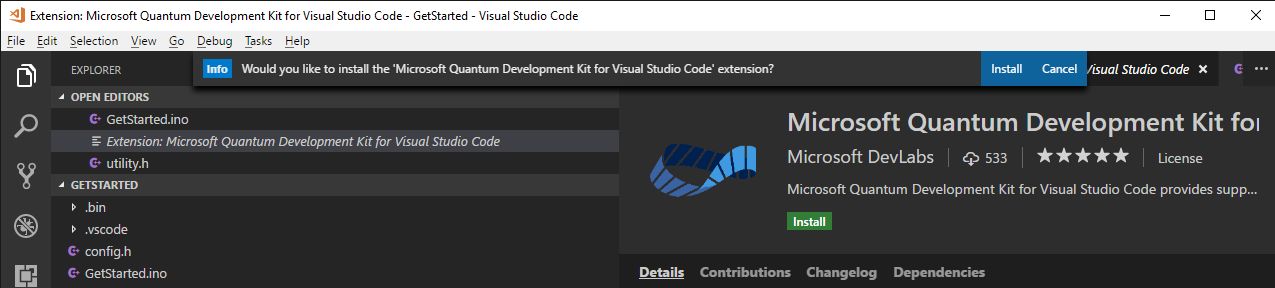
From Visual Studio Marketplace we can download an extension for VSCode that allows us to create projects in Microsoft Quantum DevKit. As expected we can also debug, write our Q # code and more with VSCode.
The installation is very simple. We start installing the extension for VSCode
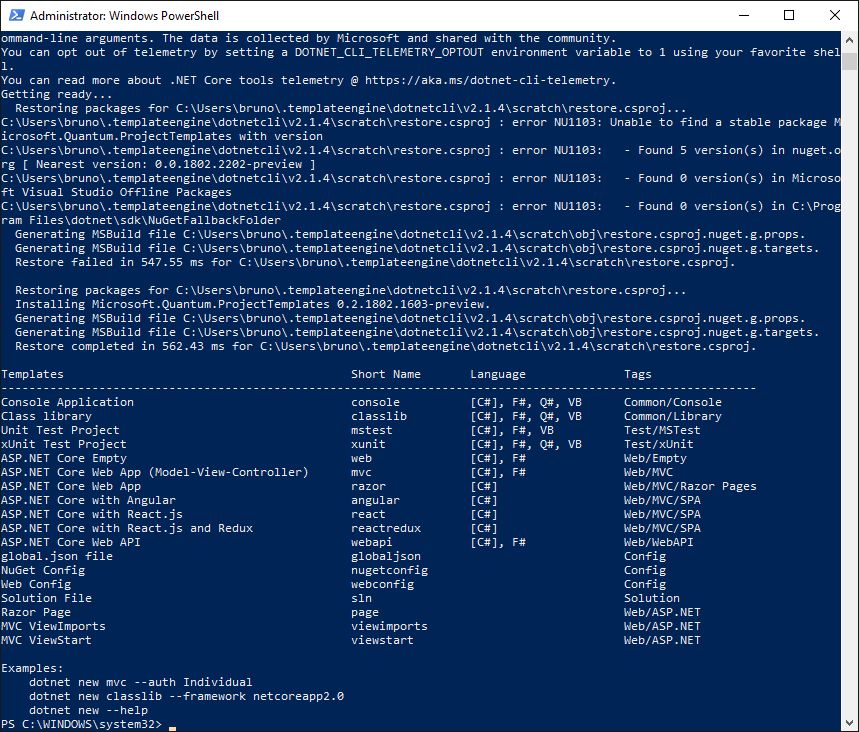
A couple of PowerShell commands
And that’s it! now it’s time to program some Qubits 😀
Happy QCoding!
Saludos @ Toronto
El Bruno
References
- Microsoft Quantum, Installing and Validating the Q# Development Environment
- Microsoft Quantum Development Kit
- Q# Reference, M operation
- Q# Reference, H operation
- Q# Reference, MResetZ operation
- Q# Reference, Reset operation
- Q# Reference, ResetAll operation
My Posts
- El Bruno, Improvements in the new version of Microsoft Quantum Development Kit (Linux, Mac, Python and more!
- El Bruno, Main Namespaces to be used in Q#
- El Bruno, Releasing Qubits using Reset() and ResetAll() in Q#
- El Bruno, Using MResetZ() to reset Qubits in Q#
- El Bruno, Qubit operations in Q#
- El Bruno, Information about Simulators on Microsoft Quantum Development Kit (Do you have 16 TB RAM?)
- El Bruno, Hello QWorld using Microsoft #Quantum Development Kit (fix to build the project) [Updated]
- El Bruno, More information about the Microsoft bet in Quantum Computing
- El Bruno, Quantum Computing, let’s add this one to Artificial Intelligence and Mixed Reality!
 El Bruno
Leave a comment