Hi !
I’m still finding and testing some new features for the Windows 10 Anniversary Edition (thanks to the Windows 10 Insiders program). So, long story short, I get to a point when I need to navigate a set of pages, but I need to do this with some kind of advertising blocker installed.
Most of us already knows products like AdBlock, AdBlockPlus or event Ghostery to have a nice and better internet browsing experience. But until today, these products were not available for Edge. Lucky for us, in the latest Windows 10 Insider Preview versions, we can also have a taste of the new Edge, with Extensions support.
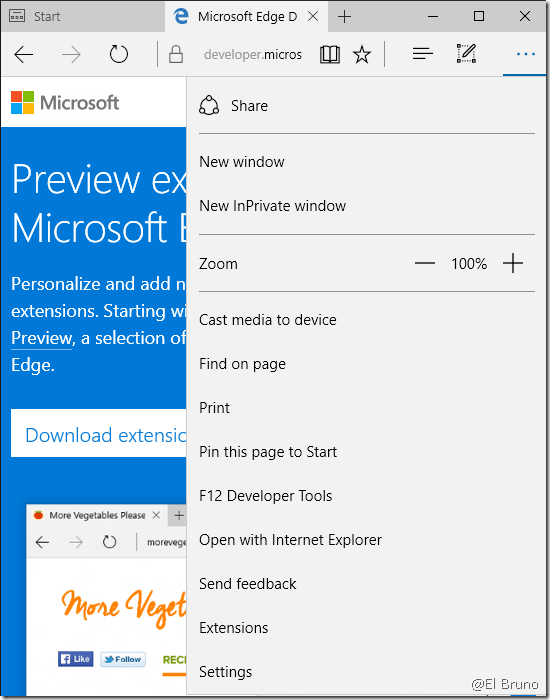
At this point, we can browse in the Store for new extensions. There are some cool ones, like AdBlock or AdBlockPlus and also some interesting ones for translation, OneNote integration, Pinterest and more !
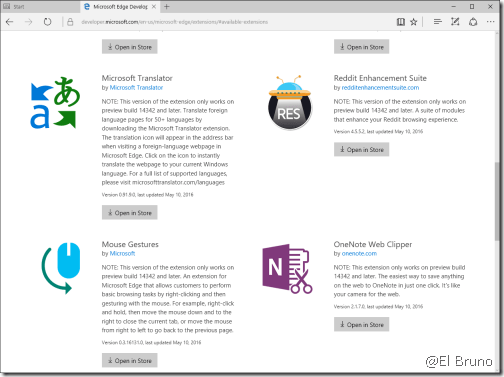
So, once we chose an extension, we’ll go to the Store and 2 clicks later we’ll have this extension in Edge !!!

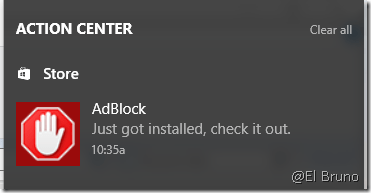
As an usual app, we’ll get a notification when the extension is installed.
And we also going to need to enable the extension in Edge.
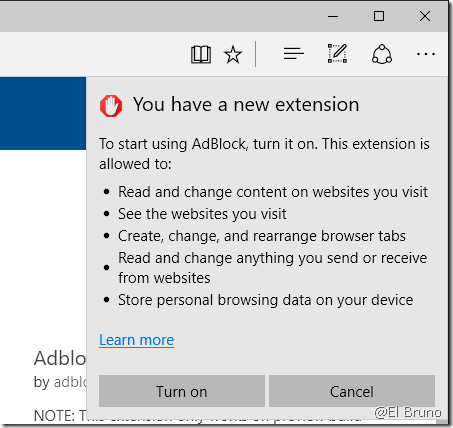
And, that’s it! A new extension is up and running in our browser !!!

Greetings @ Toronto
-El Bruno
References

 El Bruno
Leave a comment