⚠️ This blog post was created with the help of AI tools. Yes, I used a bit of magic from language models to organize my thoughts and automate the boring parts, but the geeky fun and the 🤖 in C# are 100% mine.
Hi!
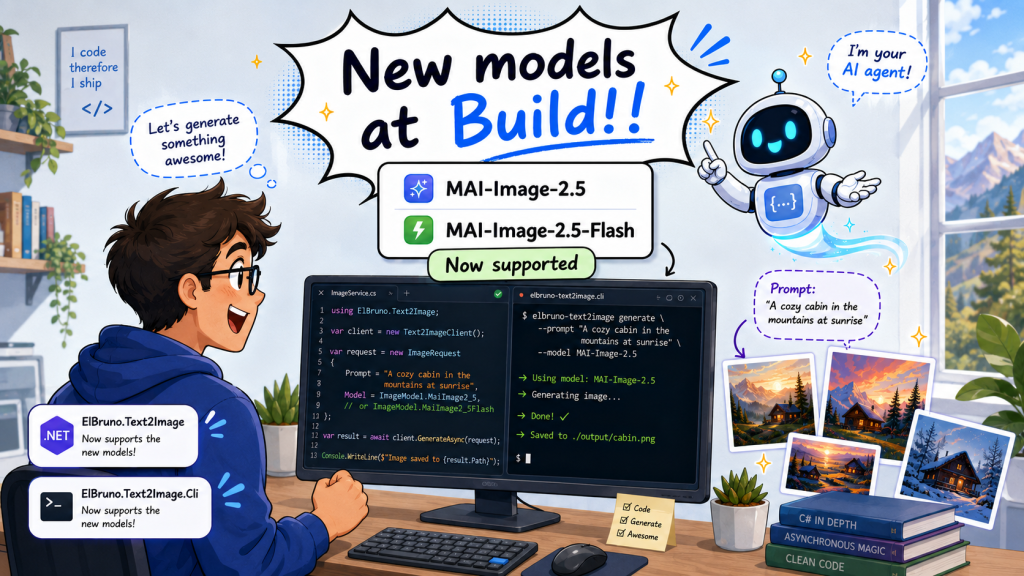
Microsoft Build brought a wave of new AI model announcements, and one of the fun ones for image generation is MAI-Image-2.5.
So, of course, I had to add support for it in my .NET image generation library and CLI tool 😅
The latest version of ElBruno.Text2Image now supports:
- MAI-Image-2.5
- MAI-Image-2.5-Flash
This means you can generate images using the new MAI models from a .NET app or directly from the terminal with the t2i CLI.
Links
Official model announcement:
https://microsoft.ai/models/mai-image-2-5/
NuGet packages:
- ElBruno.Text2Image: https://www.nuget.org/packages/ElBruno.Text2Image
- ElBruno.Text2Image.Cli: https://www.nuget.org/packages/ElBruno.Text2Image.Cli
Source code:
https://github.com/elbruno/ElBruno.Text2Image
Install the CLI
dotnet tool install --global ElBruno.Text2Image.Cli
Or update it if you already have it installed:
dotnet tool update --global ElBruno.Text2Image.Cli
Generate an image from the terminal
Using MAI-Image-2.5:
t2i --provider foundry-mai25 "a photograph of a red fox in an autumn forest"
Using MAI-Image-2.5-Flash:
t2i --provider foundry-mai25-flash "a quick concept sketch of a city skyline"
That’s the part I like the most:
prompt -> terminal -> image
Simple and fun.
Use it from C#
You can also use the new MAI-Image-2.5 model from a .NET app.
using ElBruno.Text2Image;
using ElBruno.Text2Image.Foundry;

using var generator = new MaiImage25Generator(
    endpoint: "https://your-resource.services.ai.azure.com",
    apiKey: "your-api-key",
    httpClient: new HttpClient(),
    modelName: "MAI-Image-2.5",
    modelId: "MAI-Image-2.5");

var result = await generator.GenerateAsync(
    "A photograph of a red fox in an autumn forest");

await result.SaveAsync("mai-image25-output.png");
And for the Flash version, use the same generator with the Flash model id:
using ElBruno.Text2Image;
using ElBruno.Text2Image.Foundry;

using var generator = new MaiImage25Generator(
    endpoint: "https://your-resource.services.ai.azure.com",
    apiKey: "your-api-key",
    httpClient: new HttpClient(),
    modelName: "MAI-Image-2.5-Flash",
    modelId: "MAI-Image-2.5-Flash");

var result = await generator.GenerateAsync(
    "A clean comic-style illustration of a happy developer building AI apps");

await result.SaveAsync("mai-image25-flash-output.png");
Why this is useful
The goal of this project is simple:
- Use image generation from .NET
- Support cloud and local models
- Keep the API clean
- Make the CLI useful for developers, demos, agents, and automation
- Avoid needing a Python environment for every image generation experiment
And now with MAI-Image-2.5 and MAI-Image-2.5-Flash, we have more options to experiment with image generation from .NET and from the command line.
Build announcements are fun. Build announcements that I can use from a terminal? Even better 😎
Happy coding!
Greetings
El Bruno
More posts in my blog ElBruno.com.
More info in https://beacons.ai/elbruno


Leave a Reply