Hi !
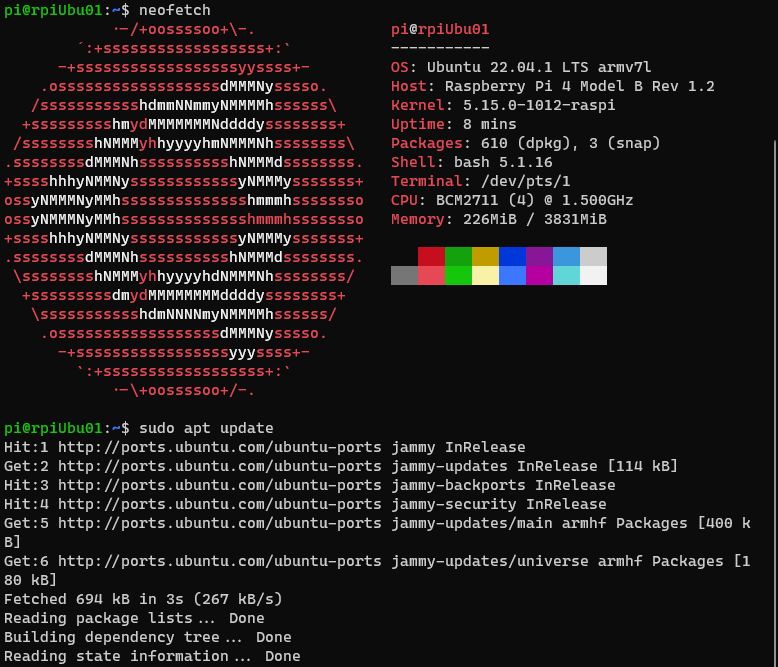
This is my current Ubuntu version running on a Raspberry Pi 4.
raspi-config is a powerful tool to manage the device settings for the Raspberry Pi. It’s included in Raspberry Pi OS, but not in the Ubuntu distro. So, if yu want to use raspi-config, follow these steps
Of course, we start with an Ubuntu image:

And in single step, let’s update and install raspi-config
sudo apt-get update
sudo apt-get install raspi-config
And now we can run raspi-config (in sudo mode)
sudo raspi-config

I really like to use this to
- change my host name
- expand my filesystem
- configure the wireless network
- update the OS
- etc
Optional
If apt-get install does not find raspi-config we need to add the debian repository to the source list
echo "deb http://archive.raspberrypi.org/debian/ buster main" >> /etc/apt/sources.list
Add the Key
apt-key adv --keyserver hkp://keyserver.ubuntu.com:80 --recv-keys 7FA3303E
Super easy !
Happy coding!
Greetings
El Bruno
More posts in my blog ElBruno.com.
More info in https://beacons.ai/elbruno


Leave a Reply