Hi !
There are tons of demos about amazing using of Artificial Intelligence. I always try to choose and show the ones, who can be easily translated into our day to day experience. That´s why the option [Design Ideas] in Power Point is an amazing demo on how to use this.
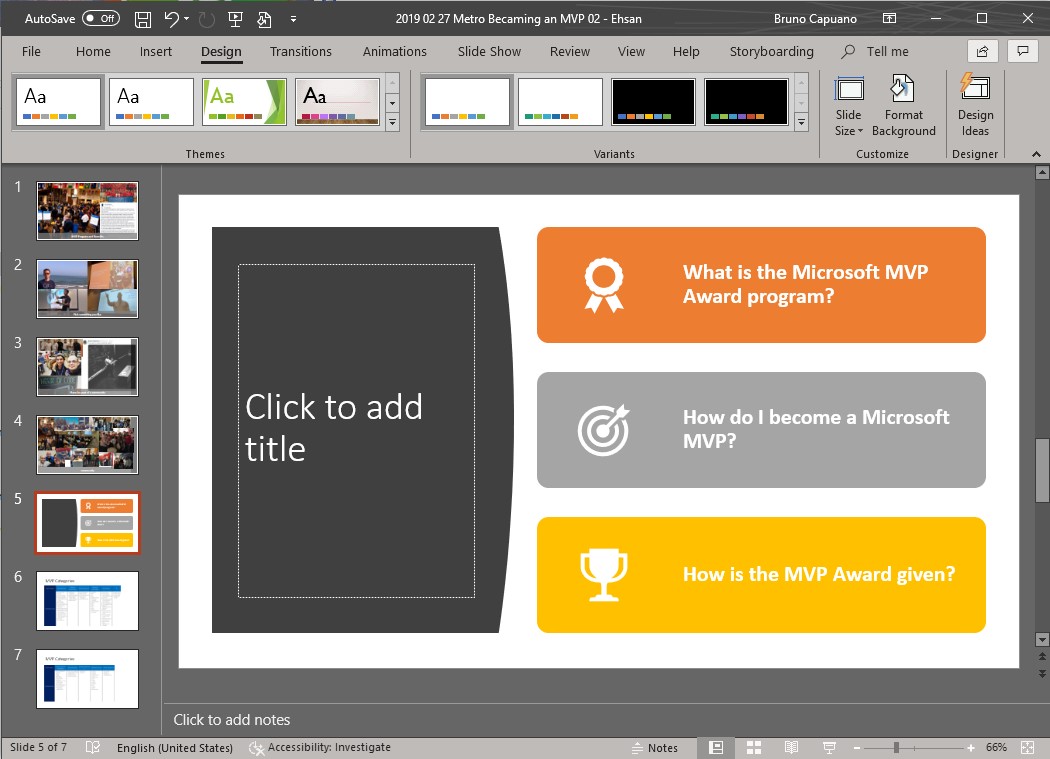
In the following video, we can see how I start with a simple blank slide with 3 text bullets, and then how the [Design Ideas] tool transform this slide in a much better one, and it also even add related icons to new Design!
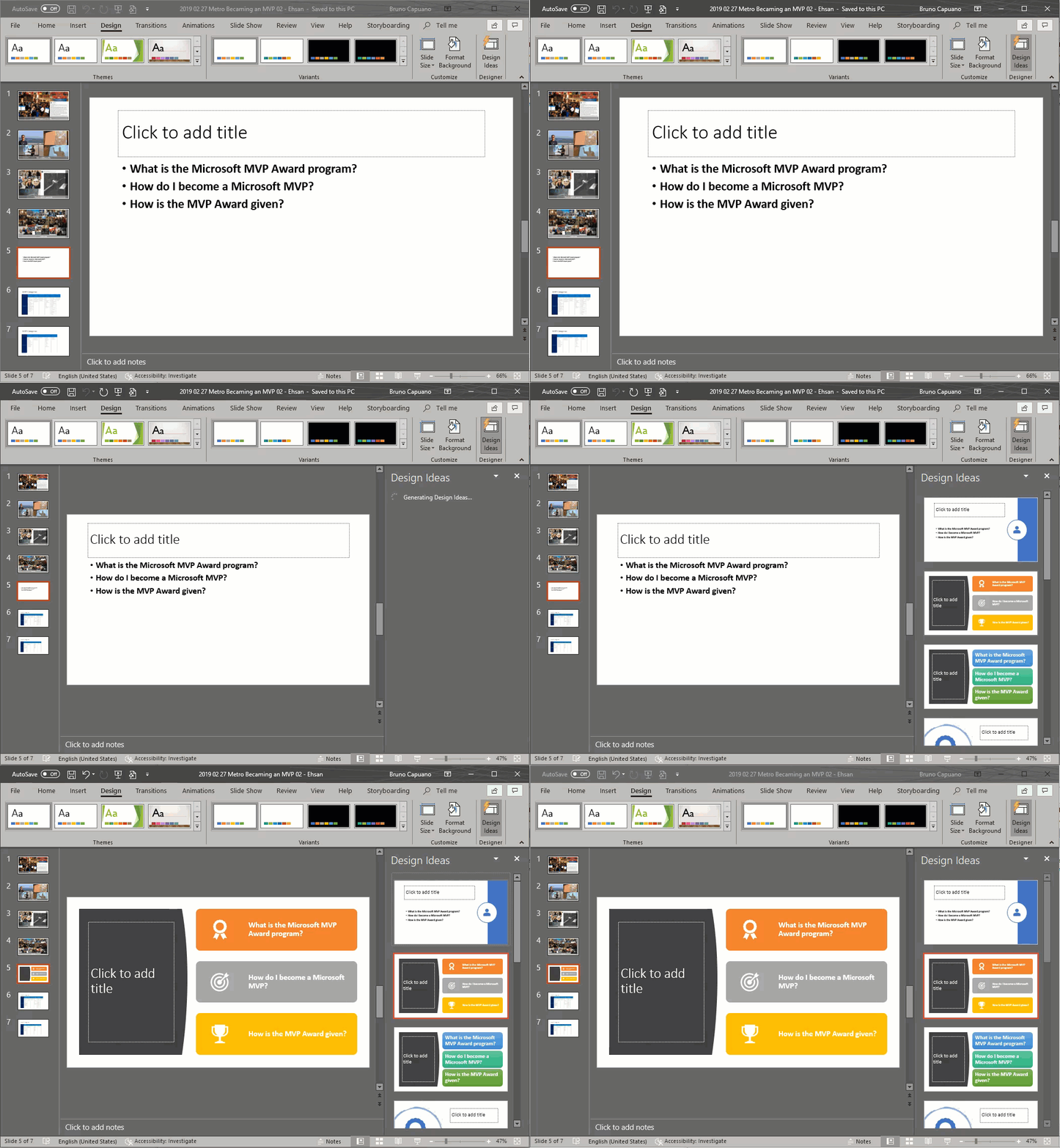
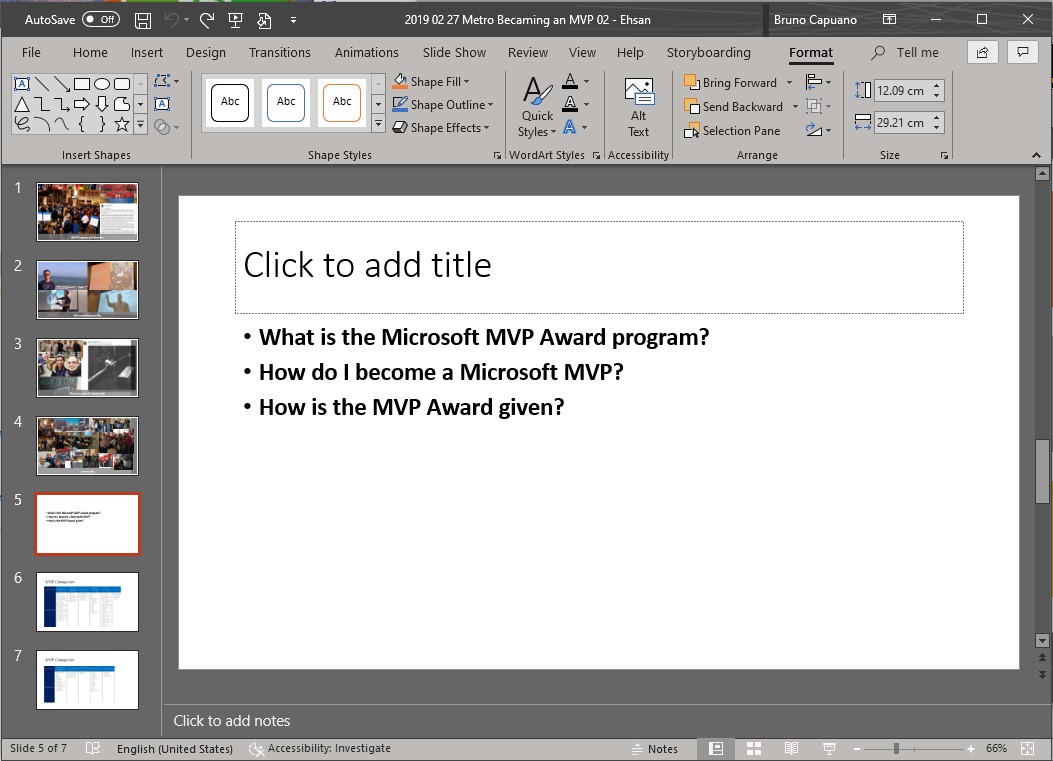
Just in case, this is the original slide
And this is the output
If you want to know more about [Design Ideas] the following article explains all the scenarios behind this
Happy coding!
Greetings @ Toronto
El Bruno

 El Bruno
Leave a reply to #AI – Otra característica genial basada en Inteligencia Artificial en #PowerPoint: subtítulos en tiempo real – El Bruno Cancel reply