Hola!
In my yesterday’s post, I wrote about the set of tools I use to make some screen capture: SnagIt and Camtasia. Mostly Camtasia for screen recording, because I can encode the final video in animated GIFs format which is very useful for my blog. Is a pity that we don’t have a tool in Windows to perform this, however we can reuse some other tools with this feature.
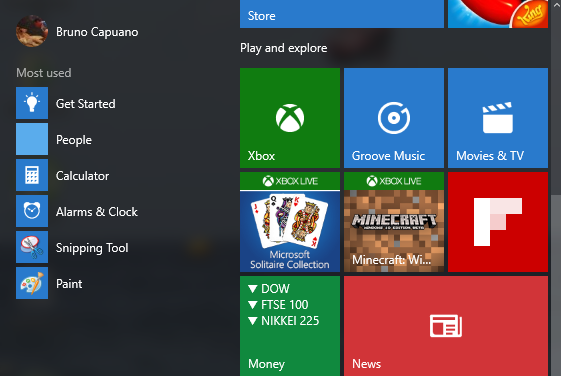
In example, let’s do this with the Xbox app in Windows 10
– Launch the Xbox app
– Switch to the app we want to record
– Press WIN + G to open the Game Bar. First time, we’ll see a confirmation message, to validate if this app is a game.
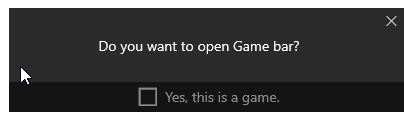
– Go for YES. And we’ll see the Game Bar. Now we have the option “Start Recording”, also we can start the recording with WIN + ALT + R

– Recording mode is ON
The following image is the previous set of steps to make a screen recording of the Calculator in Windows 10
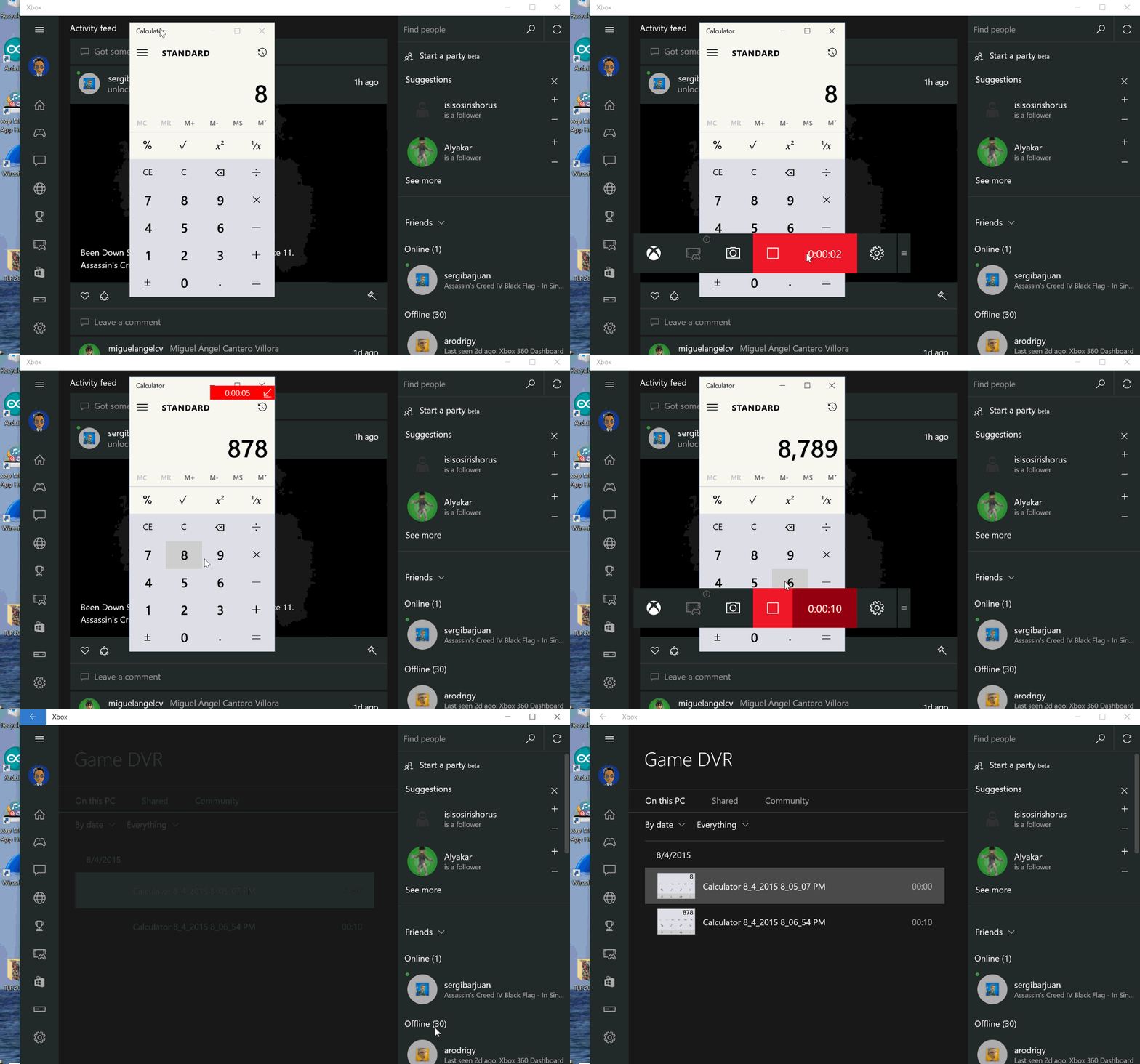
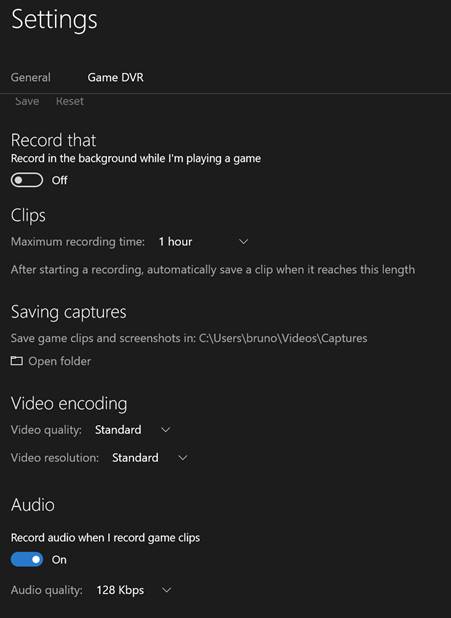
And we have some customization Features available, like change the combinations of action keys, change the recorded videos folder, etc. All the settings can be changed from [Settings // Game DVR]
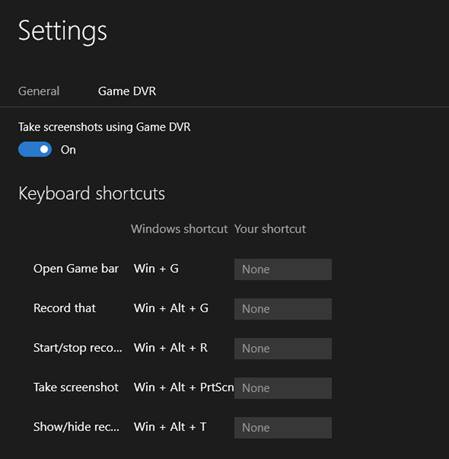
More Settings
Saludos @ Madrid
/El Bruno
References
– SnagIt https://www.techsmith.com/snagit.html
– Camtasia https://www.techsmith.com/camtasia.html
– Windows 10, Delay in Snipping Tool https://elbruno.com/2015/08/03/windows10-delay-in-snipping-tool-mostly-useful-for-popup-menu/
 El Bruno
Leave a comment