Hello!
If your like me, you probably get to work on different computers. So, the chances that you also have to adapt to each of these environments to VS IDE are great. For example, the Surface Pro has a very cool super definition HD and is very good , but the size is kind of a problem, you don’t have he choice to have many panels open at the same time. On the other hand, in my case, I have my main laptop for development with a touch screen monitor 21″ which is great to use at home most of the time.
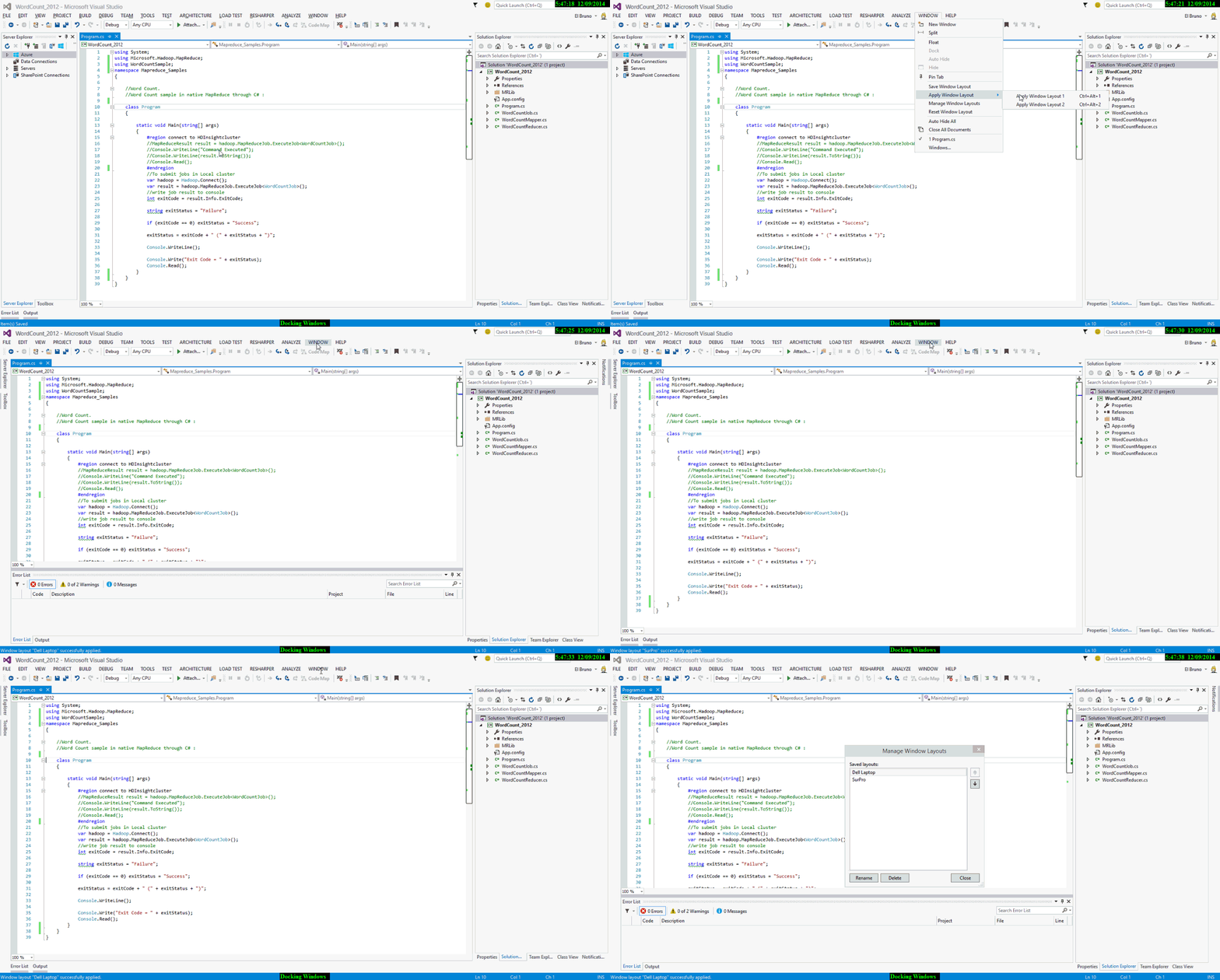
Visual Studio 2015 brings a very good feature, which allows us to save and recall different layours of the IDE. Using this feature, when I work with my single SurPro the editor code and Solution Explorer; I have active and in the other case therefore also active a couple of panels more.
All this from the menu “Windows / Windows Layout“, as always a video that is worth a thousand pictures.
One of those little things that brighten you day 😀
Greetings @ Madrid
/El Bruno
 El Bruno
Leave a reply to #VS2015 – Some tips to switch to presentation mode in events | El Bruno Cancel reply