⚠️ This blog post was created with the help of AI tools. Yes, I used a bit of magic from language models to organize my thoughts and automate the boring parts, but the geeky fun and the 🤖 in C# are 100% mine.
Hi!
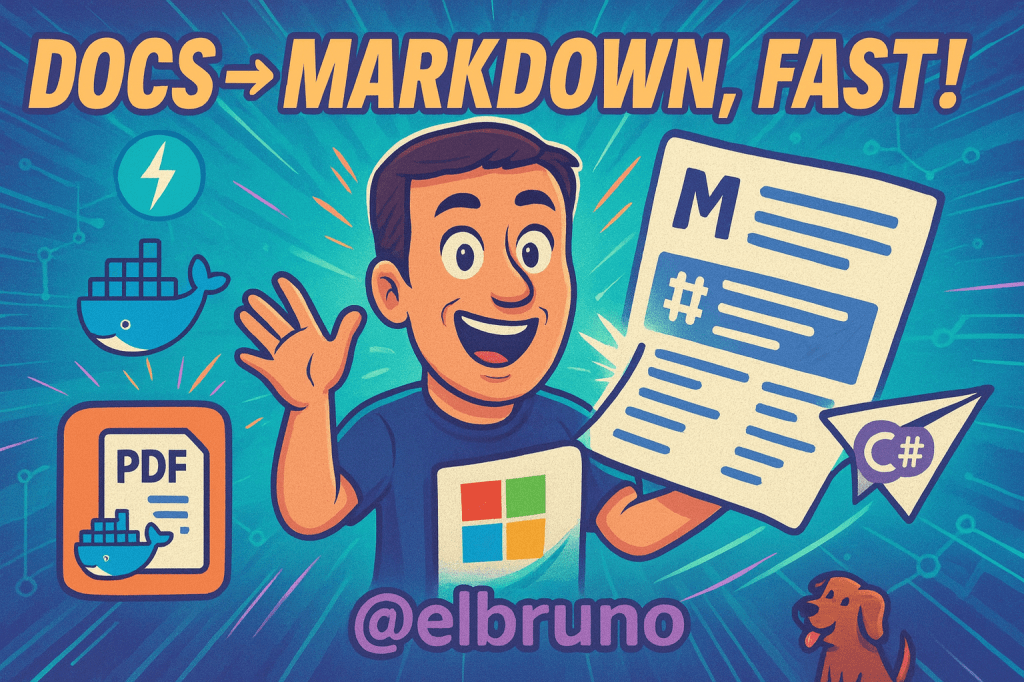
f you work with LLMs, you want structured text—not mystery meat. Here’s a tiny FastAPI service that wraps Microsoft’s MarkItDown to convert PDFs, Word, PPTs, and more into clean Markdown. We’ll run it in Docker and drive it with a C# console app.
Watch the video here:
Repo & Upstream
- MarkItDownServer (this post’s code):
https://github.com/elbruno/MarkItDownServerGitHub - Microsoft MarkItDown library:
https://github.com/microsoft/markitdown(background & docs) GitHub
Prereqs
- Docker Desktop
- .NET 8/9 SDK (for the sample client)
- Python is baked into the container build via the Dockerfile
Run the Server in Docker
git clone https://github.com/elbruno/MarkItDownServer
cd MarkItDownServer
docker build -t markitdownserver .
docker run -d --name markitdownserver -p 80:80 markitdownserver
These are the same steps described in the project README. GitHub
Try It with the .NET Client
cd src
dotnet run
The sample app posts a file to the server and prints Markdown back (as outlined in the README “Usage”). GitHub
Sample C# (HttpClient sketch)
(Paste a compact version of your
srcprogram if you want; otherwise use this snippet for the blog.)
using System.Net.Http;
using System.Net.Http.Headers;

var filePath = args.FirstOrDefault() ?? "sample.pdf";
using var http = new HttpClient { BaseAddress = new Uri("http://localhost") };

using var content = new MultipartFormDataContent();
await using var fs = File.OpenRead(filePath);
content.Add(new StreamContent(fs)
{
    Headers = { ContentType = MediaTypeHeaderValue.Parse("application/octet-stream") }
}, "file", Path.GetFileName(filePath));

var res = await http.PostAsync("/convert", content);   // adjust if your route differs
res.EnsureSuccessStatusCode();
var markdown = await res.Content.ReadAsStringAsync();
Console.WriteLine(markdown);
⚠️ Route note: The README explains the server “receives binary data from a file, converts to Markdown, and returns the Markdown.” If you renamed the route in
app.py, update the client path accordingly. GitHub
(Optional) cURL Smoke Test
curl -X POST http://localhost/convert \
  -F "file=@path/to/your.docx" \
  -o output.md
If your endpoint name differs, change
/convertto match your FastAPI route.
Why MarkItDown?
MarkItDown preserves structure (headings, lists, tables), producing LLM-friendly text. Great for retrieval pipelines and prompt stuffing with fewer tokens. See the upstream project for supported formats and details. GitHub+1
Where This Fits in Azure
- Batch conversions in Azure Container Apps or AKS, fronted by a queue.
- Searchable content via Azure AI Search (index Markdown or vectors).
- Pipelines with Microsoft.Extensions.AI in .NET apps.
Resources
- MarkItDownServer repo (code & README):
https://github.com/elbruno/MarkItDownServerGitHub - Microsoft MarkItDown:
https://github.com/microsoft/markitdownGitHub - FastAPI intro (nice for show notes):
https://code.visualstudio.com/docs/python/tutorial-fastapi
Happy coding!
Greetings
El Bruno
More posts in my blog ElBruno.com.
More info in https://beacons.ai/elbruno


Leave a Reply