⚠️ This blog post was created with the help of AI tools. Yes, I used a bit of magic from language models to organize my thoughts and automate the boring parts, but the geeky fun and the 🤖 in C# are 100% mine.
Hi 👋 !
After spending the last few weeks traveling (Argentina, Toronto, Ottawa, Orlando and back!), I finally had time to record a new demo — and this one is pure 🔥 for .NET devs.
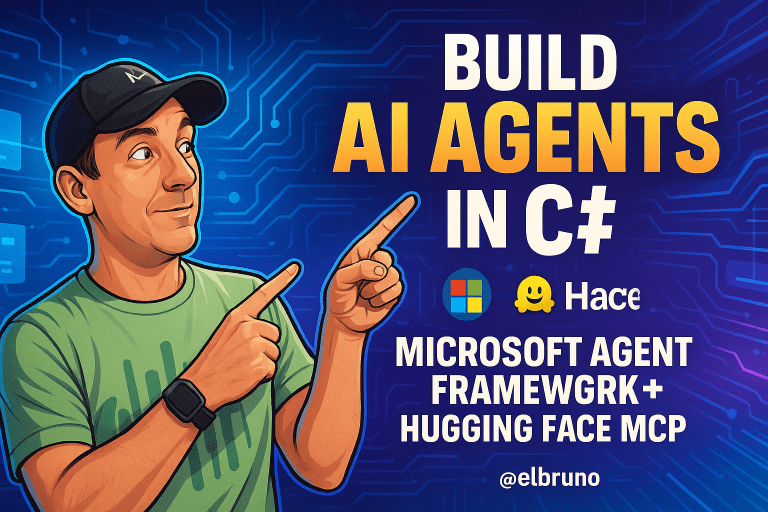
🎥 Video: Build AI Agents in C# — Microsoft Agent Framework + Hugging Face MCP
👉 Watch it here:
💬 What’s This About?
In this video, I show how to create an AI agent in C# using the new Microsoft Agent Framework and connect it to Hugging Face MCP tools — all in just a few lines of code.
The result?
A working C# agent that can chat, analyze, and even generate pixelated images (yes, raccoons included 🦝).
⚙️ Project Setup
I used a C# console app, and make sure your project targets .NET 9 and includes the following dependencies:
<ItemGroup>
  <PackageReference Include="Microsoft.Agents.AI" Version="1.0.0-preview.1" />
  <PackageReference Include="Microsoft.Extensions.AI" Version="9.0.0-preview.1.24556.3" />
  <PackageReference Include="OpenTelemetry" Version="1.8.1" />
  <PackageReference Include="OpenTelemetry.Exporter.Console" Version="1.8.1" />
</ItemGroup>
These packages do all the heavy lifting:
- 🧩 Microsoft.Agents.AI → to create and manage agents
- 🧠 Microsoft.Extensions.AI → provides abstractions for chat clients and model connectors
- 📊 OpenTelemetry → tracks agent telemetry and performance
- 💬 Console exporter → outputs metrics directly to the terminal
🧠 The Core of the Demo: Program.cs
Here’s the magic — the entire demo fits in under 50 lines of code:
// Step 1: Get available tools from Hugging Face MCP
var (mcpClient, tools) = await HuggingFaceMCP.GetHuggingFaceMCPClientAndToolsAsync();
foreach (var tool in tools)
{
    Console.WriteLine($" > Tool: {tool.Name}");
}

// Step 2: Create a chat client
var chatClient = ChatClientProvider.GetChatClient();

// Step 3: Add telemetry with OpenTelemetry
using var tracerProvider = Sdk.CreateTracerProviderBuilder()
    .AddSource("agent-telemetry-source")
    .AddConsoleExporter()
    .Build();

// Step 4: Build the Agent
var imageGenerator = chatClient.CreateAIAgent(
    name: "Image Generator",
    instructions: "Use Hugging Face tools to create pixelated images.",
    description: "An AI agent powered by Hugging Face MCP.",
    tools: [.. tools])
    .AsBuilder()
    .UseOpenTelemetry(sourceName: "agent-telemetry-source")
    .Build();

// Step 5: Run the agent
var message = "create an image of a raccoon in Canada";
var response = await imageGenerator.RunAsync(message);
Console.WriteLine(response.Text);

// Step 6: Dispose the MCP client
await mcpClient.DisposeAsync();
💡 The call to CreateAIAgent() comes from the Microsoft Agent Framework, and it ties together:
- The chat client (Azure OpenAI, GitHub Copilot, local model… you choose)
- The toolset from the Hugging Face MCP server
- Telemetry for monitoring with OpenTelemetry
🔌 Connecting to Hugging Face MCP
Before running the code, make sure you have a Hugging Face account and MCP server token.
You can get it here → https://huggingface.co/settings/mcp
This allows your agent to connect securely to the MCP server and use tools like:
- 🧩
semantic_search - 🔍
model_search - 🎨
gr1_flux1_schnell_infer(used for image generation)
🧩 Behind the Scenes
What makes this demo special is how everything integrates:
- Microsoft Agent Framework handles the orchestration
- Microsoft.Extensions.AI bridges AI clients
- Hugging Face MCP Tools expose capabilities dynamically
- OpenTelemetry captures traces like input/output tokens and timing
You can even send the traces to Azure Monitor or .NET Aspire dashboards for richer insights.
🎬 The Result
Run the app, and you’ll see telemetry in the console — plus an output with a generated image link.
🧠 Learn More
- Microsoft Agent Framework (Preview): https://devblogs.microsoft.com/dotnet/introducing-microsoft-agent-framework-preview/
- Hugging Face MCP Tools: https://huggingface.co/settings/mcp
- Generative AI for .NET: https://aka.ms/genainet
📢 Wrap Up
With the Microsoft Agent Framework, you can now create intelligent, extensible agents in .NET that connect to any MCP tools, local or cloud models, and log everything with OpenTelemetry.
If you want to see the next step — combining local + Azure models — don’t forget to check out the video and subscribe.
Happy coding!
Greetings
El Bruno
More posts in my blog ElBruno.com.
More info in https://beacons.ai/elbruno

 El Bruno
Leave a reply to Dew Drop – October 14, 2025 (#4518) – Morning Dew by Alvin Ashcraft Cancel reply