PowerAutomate – Flow to use Open Trivia Database questions in a Microsoft Teams bot 🤖 Series
- Intro to Open Trivia Database API
- How to process the API Response and send a question to Teams
- How to validate the user response in teams with the Trivia Question correct answer
- Sort and mix the possible answers to the question
- Trigger the flow from a new message in a Teams channel, and validate the trigger start
- Live Reactor Event – Let’s build this online !
Hi !
Now that we have the core steps to request a Trivia question from the API, send the question to a user and process the user’s answers, let’s work on the trigger.
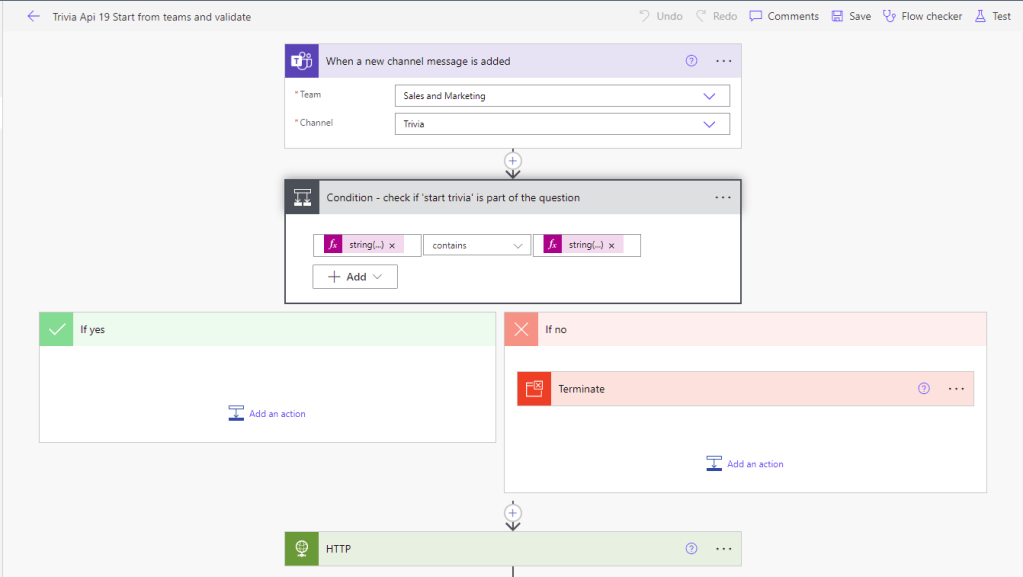
My final idea is to use a trigger from Teams, then validate that the message body contains the words ‘start trivia’ and, if the condition is not matched, stop the flow.
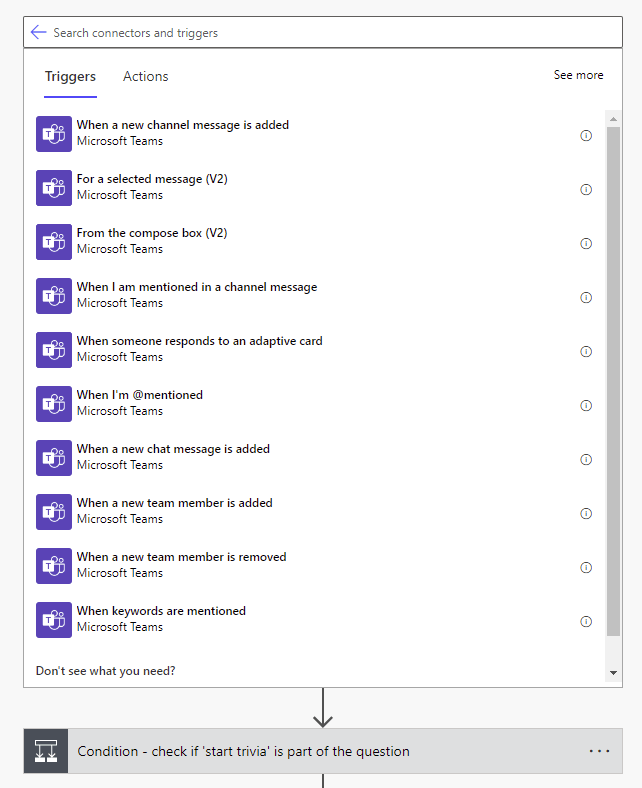
There are plenty of triggers for Microsot Teams, I may try other scenarios later. Now, the [When a new channel message is added] is the one for me.
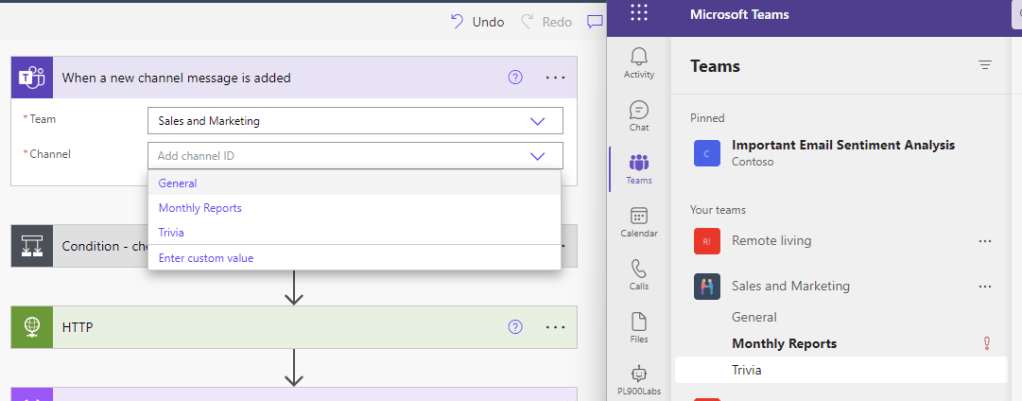
I created a new channel named [Trivia] in my lab environment, so using I’ll work on this one.
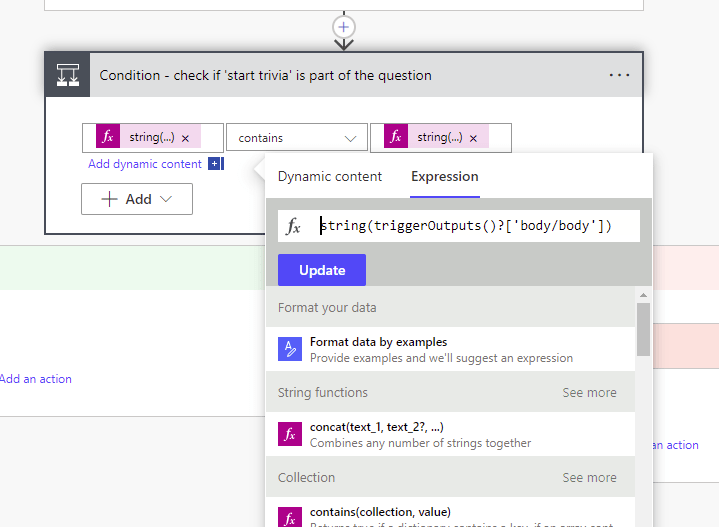
On the condition step, I needed to convert to string the message body and the string “start trivia”. Otherwise the stop condition won’t work.
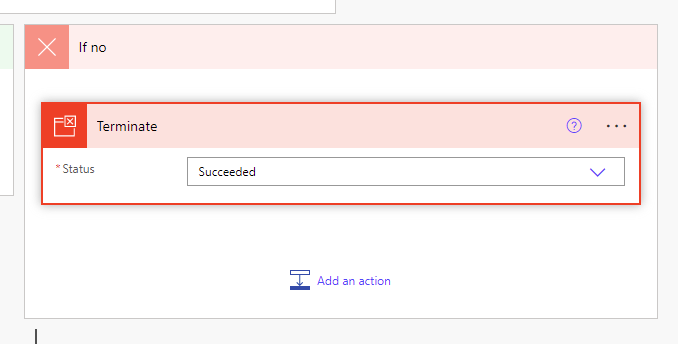
And, when the condition is not meet, I use a [Terminate] step to stop the flow.
We are almost there ! However, we can improve still this flow a lot 😀
And important: Join me in this 2-week FREE program @MSFTReactor
and we will learn together about Microsoft Power Pages.
We will also cover fundamentals of Power Pages architecture, components, features, and tooling.
https://aka.ms/DecPowerPagesBootcamp
Starting on Dec 05
Happy coding!
Greetings
El Bruno
More posts in my blog ElBruno.com.
More info in https://beacons.ai/elbruno
 El Bruno
Leave a comment