Hello!
A few days ago I was asked about an easy way to create audio files to be used as datasets in Custom Speech Service (CRIS). As I mentioned in a previous post, the audio files must have special features, so it is important to create them correctly.
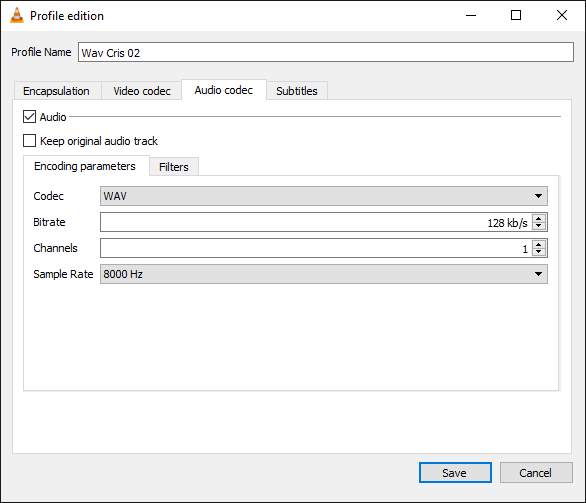
Note: the files are WAVs files, mono and another pair of details makes it not easy to create them in a single step.
Although there are several ways to create these files, this is the one I use and it works.
- To record the audio I use an app that comes by default in Windows: Voice Recorder
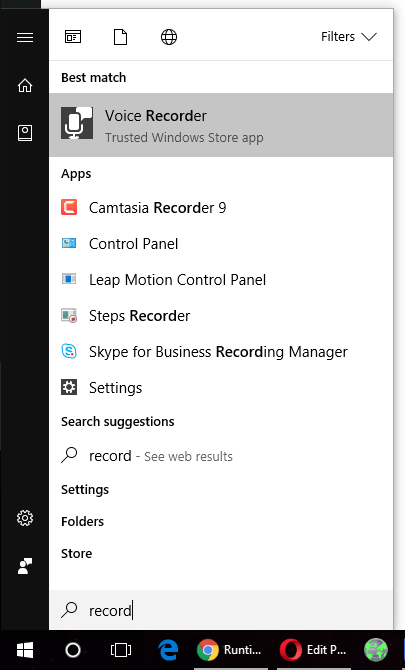
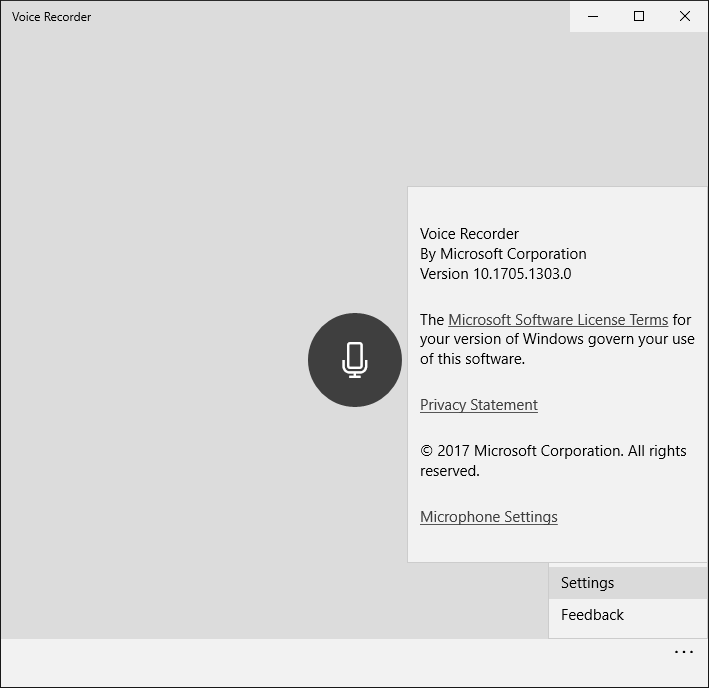
- I guess I don’t need to explain how the app works. Just press the microphone button. Nor do we expect many options in the Settings section.
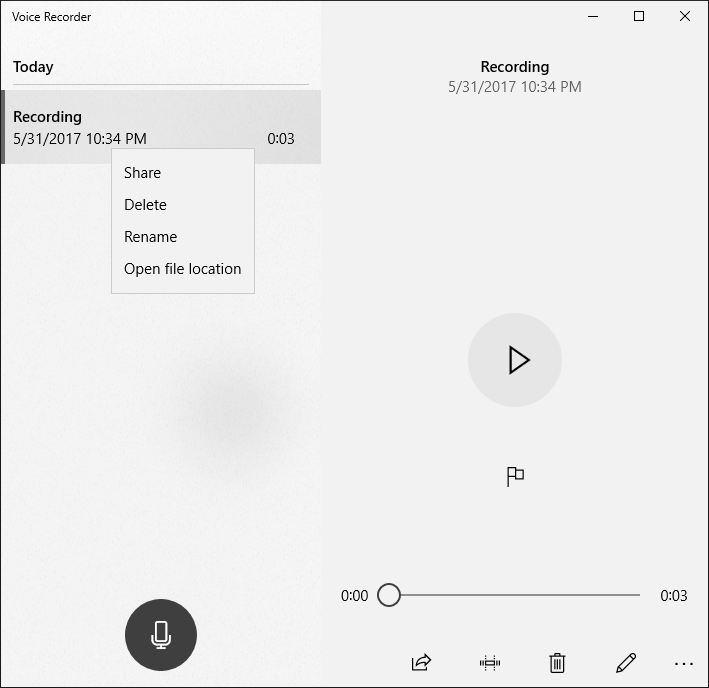
- Once we have recorded a session, we can access the list of recordings. If we see the record path of the file we will see that it is recorded with the name “Recording.m4a”
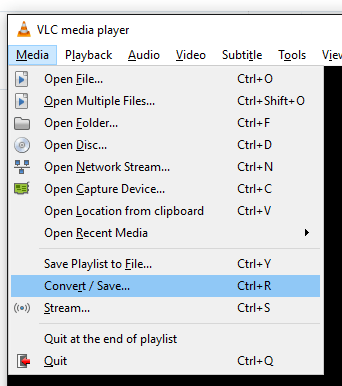
- Now is the time to find a way to convert M4A files to WAV. In this case I use VLC (link). The software is well known, so I will not write a lot about it. In VLC Select the option “Media // Convert / Save …”
- Select a file and press the option “Convert”
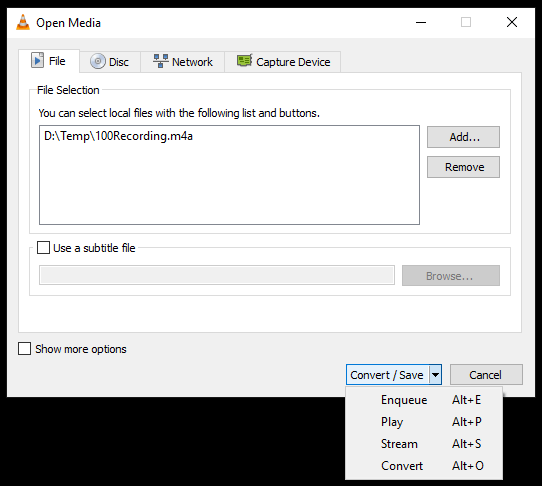
- In this step we must create a profile with the information needed to create compatible CRIS compatible files.
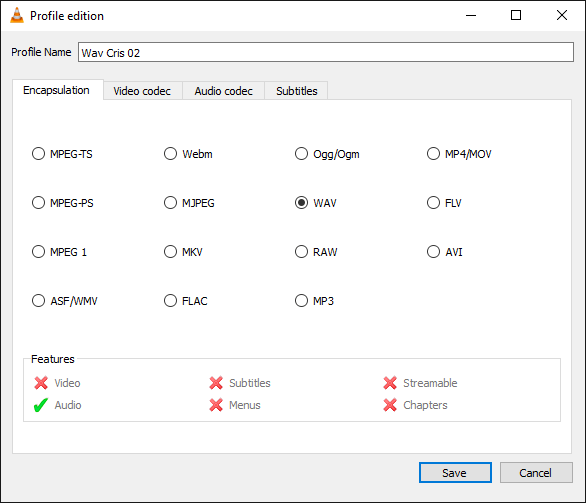
- I created a profile called “WAV Cris 02” with the following configurations
- Encapsulation: WAV
- Audio codec with the values required by CRIS
- Now we can use this profile to convert our M4A file to WAV
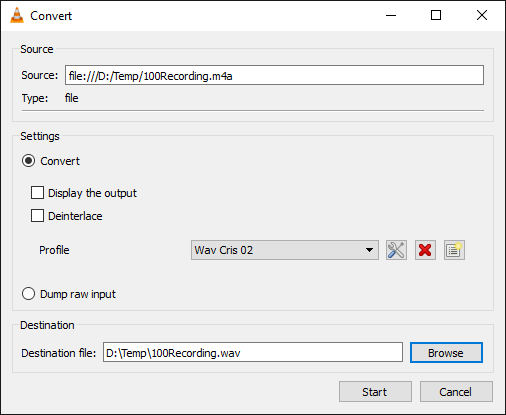
- Ready! We have a WAV file which is compatible with CRIS requirements and we can use the file for our data models.
Happy coding ! 😀
Saludos @ Burlington
El Bruno
References


 El Bruno
Leave a reply to Vlad Lee Cancel reply