Hi!
I’ve already wrote some posts on how to work with Xamarin and Estimote beacons. SO today I’ll share a small Xamarin Forms app which displays all the near Estimote Beacons.
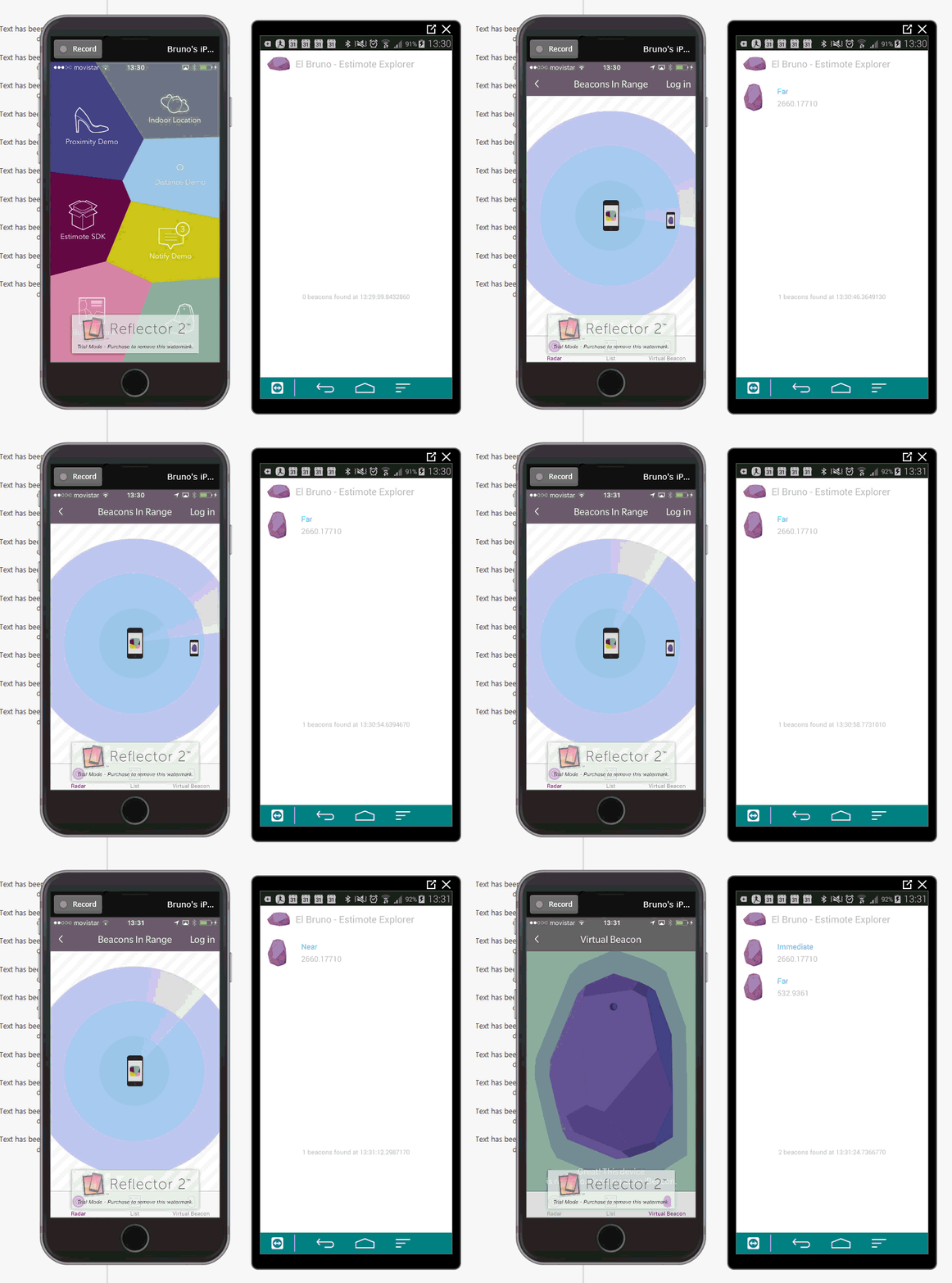
In the video above, we can see how in the iPhone (left) the app detects beacons and at the same time the app created using Xamarin Forms (right) shows the detected beacons. In the same way, when in the Estimote app on the iPhone is activated the virtual beacon, 2 beacons appear in the Estimote Explorer app.
And as always, a couple of details about the app:
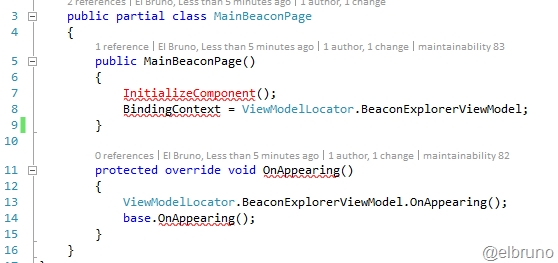
- The app has a 5 min thinking mode of a MVVM implementation, to enable the refresh of the Beacons list in real time. I am not clear why, but when I isolated the View and the ViewModel source code, Visual Studio intellisense has lost the North.
- Using the UUid of the beacons, the app identifies whether they are real or virtual. With this information, the app displays a color and a specific image in the list of beacons.
- A 5 seconds interval Timer is created to validate if there some idle time with no beacon detected, when this happens it will clean the list of beacons.

The code of the app can be downloaded from https://github.com/elbruno/Blog/tree/master/Xamarin%20Estimote%20Explorer
Greetings @ Madrid
-El Bruno
References
- El Bruno Estimote and Star Wars
- El Bruno First lines of code with Xamarin and Estimote Beacons
- El Bruno Using and detecting Estimote Virtual Beacons
- NuGet Estimote SDK for Xamarin Android
- NuGet Estimote SDK for Xamarin.iOS
- NuGet ACR Estimote PlugIn for Xamarin
- Estimote Beacons and Regions
- Estimote How to turn my iPhone into a Virtual Beacon
- Xamarin Working with Images
- Xamarin DataBindings to MVVM
 El Bruno
Leave a comment