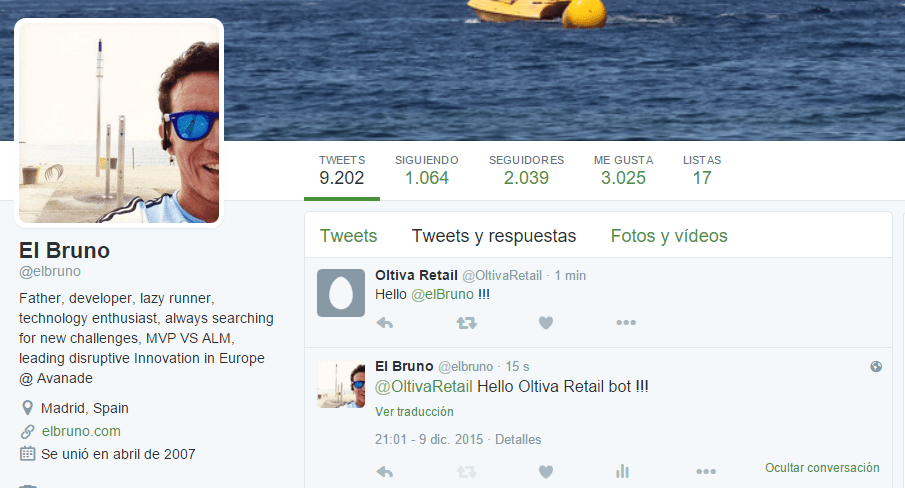
Hello!
The last time that I added some capabilities of Twitter in any app, I used the excellent Daniel Crenna’s TweetSharp library. Today when trying to add the NuGet package to a Universal de Windows 10 app, I have come to realize that it is not supported for UWP.
So, now is time to find some cool alternative to do this. After a while I choose to give a try to TweetInvi. I’ve personally liked by the simple implementation and is also very easy to use.
Once added the package our Universal App Windows, we must define the credentials we will use. For this we must register our app on the Twitter developer portal and sign the following information
- consumer_key
- consumer_secret
- access_Token
- access_Token_Secret
Important: OAuth is an interesting and crazy world, the FAQ of the development site in Twitter explains very well how to use it.
A good practice is to register the OAuth credentials when you start our app.

And now only us as easy: send a tweet. This is done with a single line of code
Tweet.PublishTweet(“Hello Bruno!”);

TweetInvi has also options to send tweets with attachments (images or videos), to make a reply or to mark a tweet as a favorite, and more options.
Greetings @ Madrid
-El Bruno
References
 El Bruno
Leave a comment