Hola!
In the last few months I’ve not dedicated much time to the Pebble. Today I get back some projects and I find a cool new feature in the Web Ide, we now have an emulator!
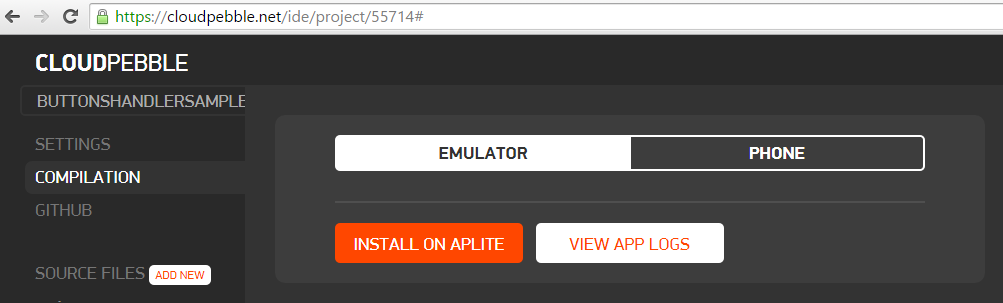
Note: Remember that the friends of Pebble have SDK for Windows.
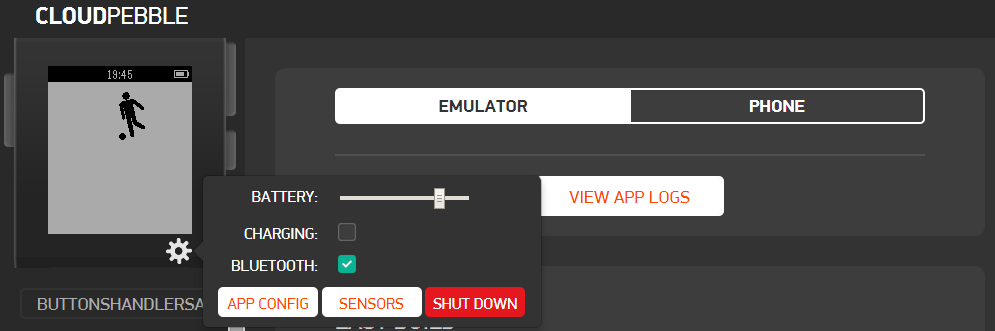
I get used to deploy apps directly to my smartwatch using an Android or iPhone, and now I have the chance to use an emulator on the web (quite attractive). If you wonder how the emulator looks, as it looks pretty good.
When you flip the app in the emulator, then you have full control over it. Here is an example
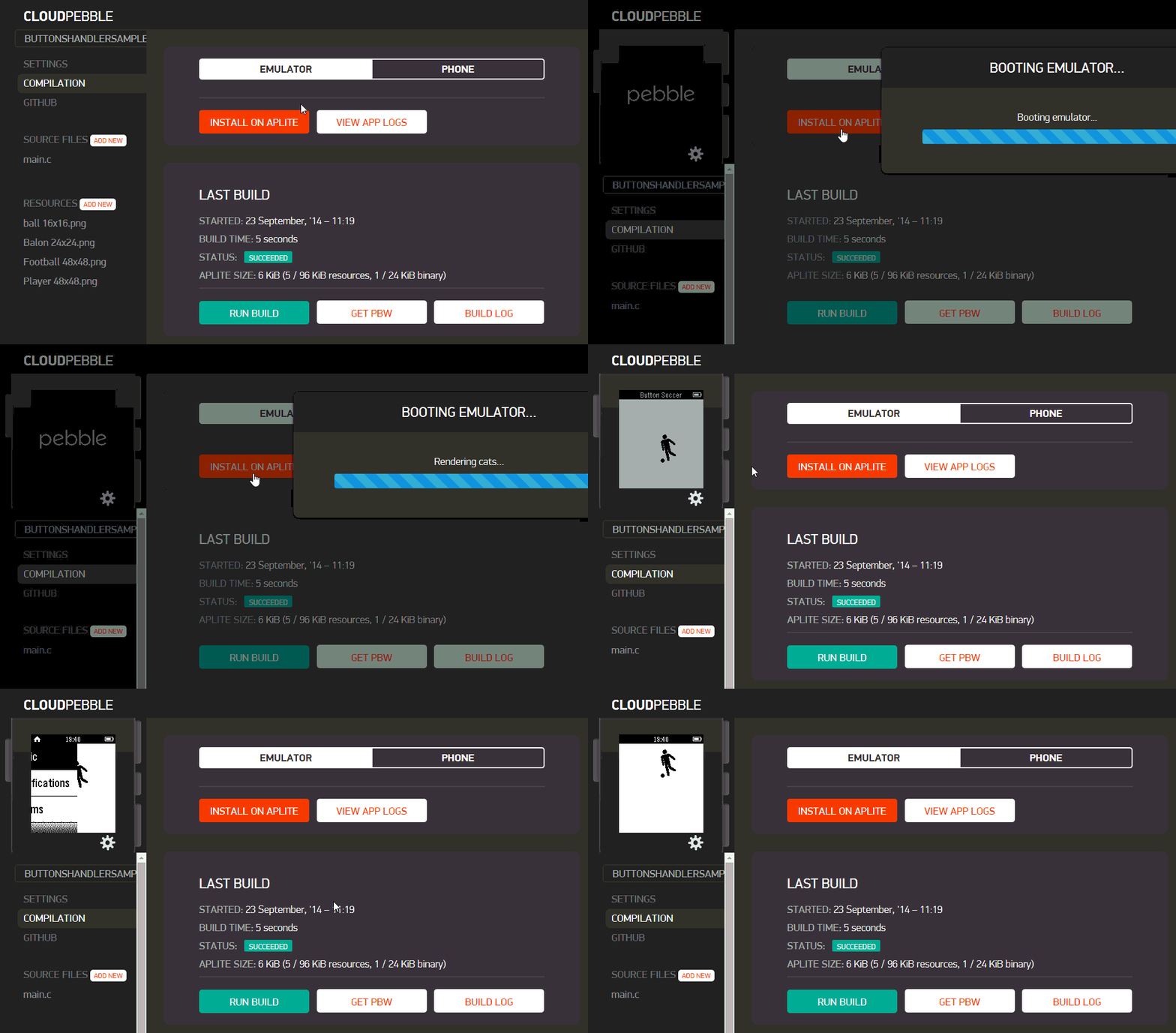
This is a great feature! However, you must keep in mind a couple of things
· This emulator is great for apps that do not have need for a Smartphone, if you use services of the SmartPhone because… you have to find an alternative solution
· In the image above we can see that we can simulate certain features of the Smartphone as a battery, BlueTooth, etc.
· The emulator also allows you to interact with the keyboard using the X, Y, Z keys to click in the right area and shift-X, shift – and shift-Z to click in the left side
So well, since January of 2015 we have a feature very good if you develop apps for Pebble in Windows environments.
Saludos @ Madrid
/El Bruno
References
– CloudPebble, https://cloudpebble.net/
 El Bruno
Leave a comment