⚠️ This blog post was created with the help of AI tools. Yes, I used a bit of magic from language models to organize my thoughts and automate the boring parts, but the geeky fun and the 🤖 in C# are 100% mine.
Hi!
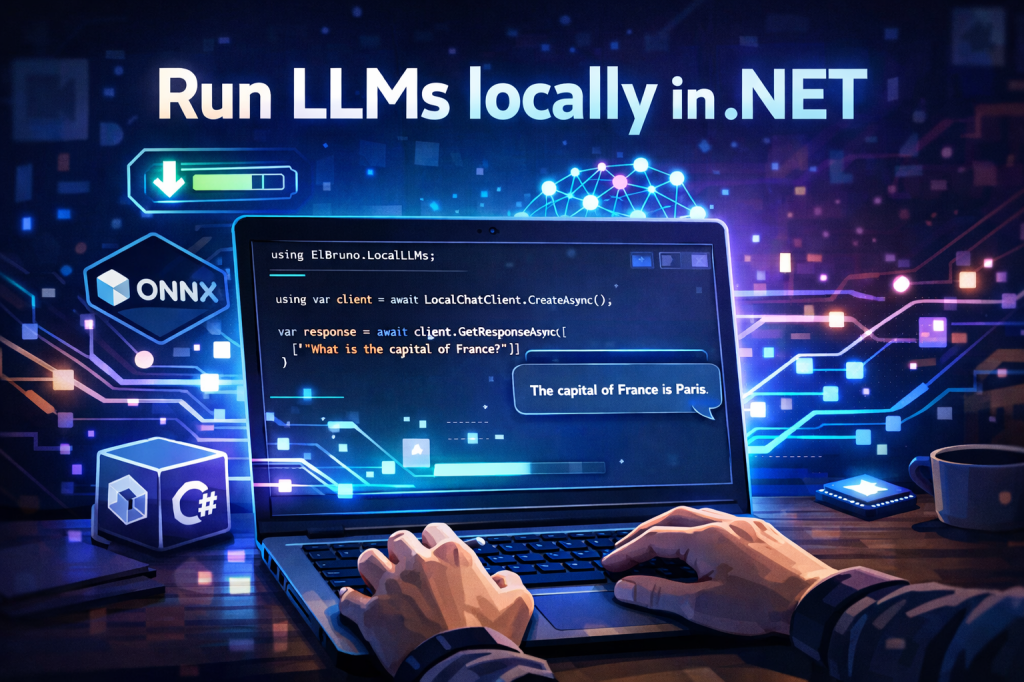
Let’s look at this code snippet:
using ElBruno.LocalLLMs;using Microsoft.Extensions.AI;using var client = await LocalChatClient.CreateAsync();var response = await client.GetResponseAsync([ new(ChatRole.User, "What is the capital of France?")]);Console.WriteLine(response.Text);
That’s it. This runs a local LLM. No API keys. No REST calls. The model downloads automatically the first time.
Let me show you more.
⬇️ Download Progress and Model Info
When you run a model for the first time, you probably want to see what’s happening. Here’s how you track the download and check what’s loaded:
using ElBruno.LocalLLMs;using Microsoft.Extensions.AI;var options = new LocalLLMsOptions{ Model = KnownModels.Phi35MiniInstruct, EnsureModelDownloaded = true};var progress = new Progress<ModelDownloadProgress>(p =>{ var pct = p.PercentComplete * 100; Console.Write($"\r⬇️ {p.FileName}: {pct:F1}%");});using var client = await LocalChatClient.CreateAsync(options, progress);Console.WriteLine();Console.WriteLine($"✓ Model ready");Console.WriteLine($" Provider: {client.Metadata.ProviderName}");Console.WriteLine($" Model: {client.Metadata.DefaultModelId}");
The model downloads from HuggingFace the first time you run it. After that, it’s cached locally. No more waiting.
🌊 Streaming Responses
Real-time token generation works exactly how you’d expect with IAsyncEnumerable:
await foreach (var update in client.GetStreamingResponseAsync([ new(ChatRole.System, "You are a helpful assistant."), new(ChatRole.User, "Explain machine learning in 2 sentences.")])){ Console.Write(update.Text);}
Tokens show up as they’re generated. No buffering, no polling.
🧠 Why I Built This
Make local LLM inference feel like native .NET — not like wrapping Python or gluing REST APIs together.
Running models locally means privacy, no costs, low latency, and full control over your data.
The library implements IChatClient from Microsoft.Extensions.AI. That means you can swap between Azure OpenAI, Ollama, and local models with zero code changes. Same interface, different provider.
And there are 20+ models available, from 0.5B to 70B parameters.
✅ What Makes This Different?
- ✅ 100% Local Execution — ONNX Runtime GenAI under the hood, no Python required
- ✅ IChatClient Compatible — same interface as Azure OpenAI or Ollama
- ✅ Auto Model Management — downloads from HuggingFace, cached locally
- ✅ Multi-Model — Phi-3.5, Phi-4, Qwen2.5, Llama 3.2, Gemma, Mistral, DeepSeek
- ✅ Streaming — real-time token generation out of the box
- ✅ DI-Ready —
AddLocalLLMs()for ASP.NET Core integration
🚀 Getting Started
dotnet add package ElBruno.LocalLLMs
Check the NuGet package and the GitHub repo for samples and docs.
💭 Final Thoughts
If you can use HttpClient, you can use LocalChatClient. That’s the bar I was aiming for.
The goal is simple: make AI accessible and natural for .NET developers. No wrappers, no workarounds — just C#.
Happy coding!
🔗 Resources
- 📦 NuGet: https://www.nuget.org/packages/ElBruno.LocalLLMs
- 💻 Repository: https://github.com/elbruno/ElBruno.LocalLLMs
- 🤗 HuggingFace Models: https://huggingface.co/elbruno
Happy coding!
Greetings
El Bruno
More posts in my blog ElBruno.com.
More info in https://beacons.ai/elbruno
 El Bruno
Leave a comment