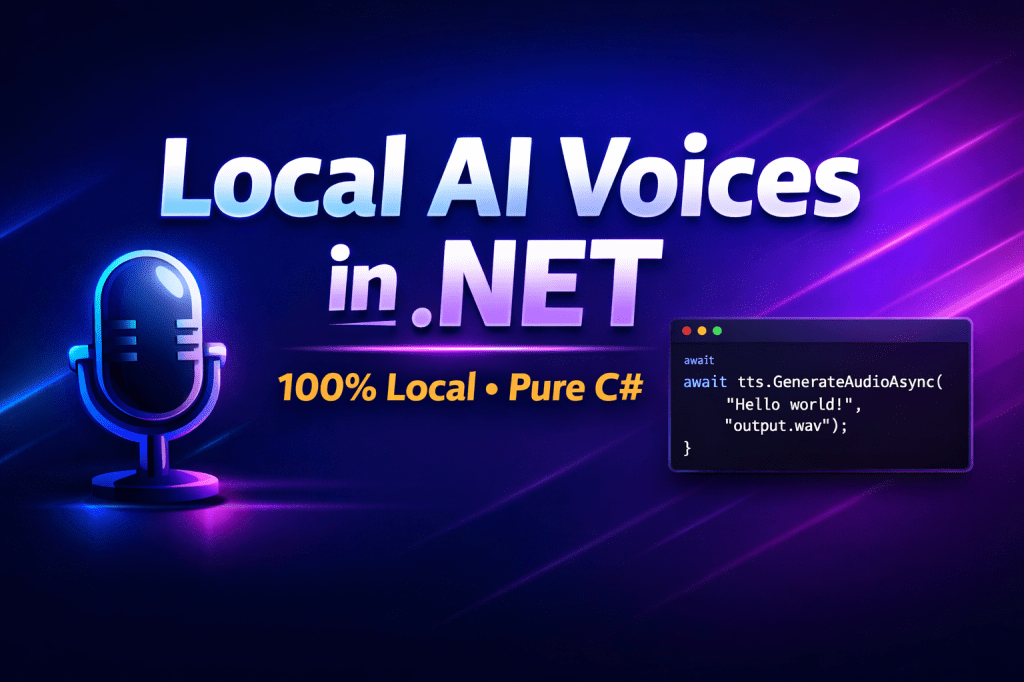
⚠️ This blog post was created with the help of AI tools. Yes, I used a bit of magic from language models to organize my thoughts and automate the boring parts, but the geeky fun and the 🤖 in C# are 100% mine.
Hi!
Let’s look at these 2 code snippets… what’s behind them?
🧠 Snippet 1 — VibeVoice (Native TTS in .NET)
using ElBruno.VibeVoiceTTS;

using var tts = new VibeVoiceSynthesizer();
await tts.EnsureModelAvailableAsync(); // auto-download model if needed

float[] audio = await tts.GenerateAudioAsync("Hello! Welcome to VibeVoiceTTS.", "Carter");
tts.SaveWav("output.wav", audio);
This generates a WAV file from text using the VibeVoice-Realtime-0.5B model, running locally via ONNX.
The first time you run it, the model is automatically downloaded.
No REST calls. No API keys. No cloud dependency.
🧠 Snippet 2 — QwenTTS (Local TTS + Voice Cloning Ready)
using ElBruno.QwenTTS.Pipeline;

// Models are downloaded automatically on first execution
using var pipeline = await TtsPipeline.CreateAsync("models");
await pipeline.SynthesizeAsync("Hello world!", "ryan", "hello.wav", "english");
This example uses a Qwen3-TTS ONNX pipeline to generate speech locally, fully in C#.
Why I Built This
My goal has always been simple:
Make AI easy and natural for .NET developers.
We’ve made great progress in:
- Embeddings
- Agents
- RAG
- Local models
- AI orchestration
But when it came to Text-to-Speech, there was a gap.
Most solutions required:
- Python
- External services
- Complex wrappers
- Non-.NET idioms
I didn’t like that. IMHO, then TTS should feel like C# — not like glue code around another ecosystem. With these repositories I’ll give a try.
What Makes This Different?
Both libraries are built around a few core principles:
✅ 100% Local Execution
Models run on your machine (or your server).
✅ ONNX + .NET Runtime
No Python in production.
✅ Auto Model Management
Models download automatically the first time you use them.
✅ Idiomatic C# APIs
Async/await. Disposable patterns. Clean abstractions.
If you can use HttpClient, you can use these libraries.
If you understand Task, you can generate AI-powered speech.
VibeVoice — Simple and Direct
Repository: https://github.com/elbruno/ElBruno.VibeVoiceTTS
NuGet: https://www.nuget.org/packages/ElBruno.VibeVoiceTTS
VibeVoice is ideal if you want:
- Fast setup
- Built-in voice presets
- Clean WAV output
- Minimal configuration
It uses the VibeVoice-Realtime-0.5B ONNX model and exposes a straightforward synthesizer API.
QwenTTS — Flexible and Powerful
Repository: https://github.com/elbruno/ElBruno.QwenTTS
NuGet: https://www.nuget.org/packages/ElBruno.QwenTTS
QwenTTS is built around Qwen3-TTS, exported to ONNX and integrated into a C# pipeline.
It supports:
- Multiple speakers
- Multi-language scenarios
- More advanced synthesis control
- Voice cloning capabilities (via dedicated pipeline)
This opens the door to:
- Custom AI assistants
- Personalized voice experiences
- Voice-enabled RAG systems
- AI avatars
Why Local TTS Matters
Running TTS locally gives you:
- 🔒 Privacy — no text leaves your machine
- 💰 No per-request costs
- ⚡ Low latency
- 🧪 A safe playground for experimentation
- 📦 Full control over deployment
If you’re exploring:
- Local AI
- Foundry Local
- Offline AI scenarios
- Edge deployments
These libraries are a practical starting point.
Bonus: Voice Cloning (Work in progress)
The QwenTTS repository includes support for voice cloning via a dedicated pipeline.
This means you can:
- Generate speech in a reference voice
- Personalize assistant experiences
- Experiment with identity-driven AI systems
Final Thoughts
For me, generating natural speech locally should be as simple as:
- Adding a NuGet package
- Writing a few lines of C#
- Running your app
That’s it.
Happy coding!
Greetings
El Bruno
More posts in my blog ElBruno.com.
More info in https://beacons.ai/elbruno
 El Bruno
Leave a comment