⚠️ This blog post was created with the help of AI tools. Yes, I used a bit of magic from language models to organize my thoughts and automate the boring parts, but the geeky fun and the 🤖 in C# are 100% mine.
Hi 👋
While exploring recent updates around the GitHub Copilot CLI, inspired by posts and demos from Scott Hanselman, I stumbled upon something even more interesting: the GitHub Copilot SDK.
This SDK opens the door to embedding GitHub Copilot directly into your own applications, not just your editor or terminal. Even better: it supports multiple languages including .NET, Python, Go, and JavaScript, and it’s surprisingly simple to get started.
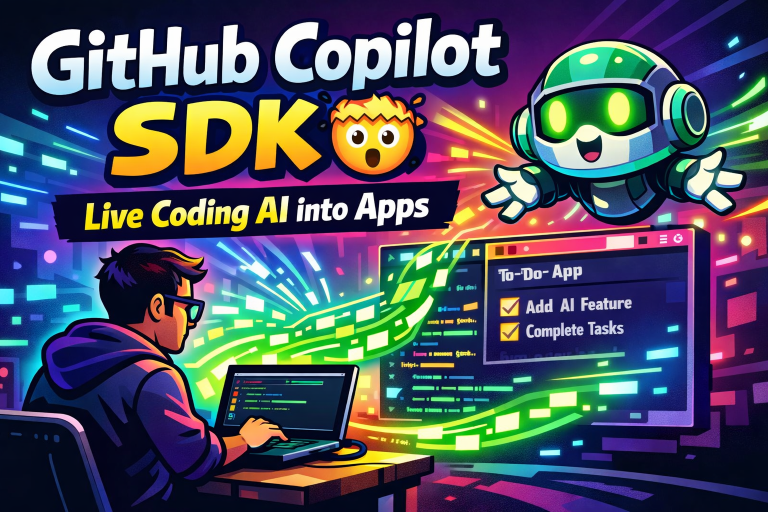
In my latest video, I walk through:
- Running the official GitHub Copilot SDK sample
- Extending it with streaming responses
- Customizing behavior using system prompts
- Exploring real possibilities for AI-powered developer tools
It’s a longer video because it’s live coding, no shortcuts — but that also makes it the fastest way to understand what this SDK can really do.
🎥 Watch the Video
🔗 References & Resources
- GitHub Copilot SDK (official repo):
https://github.com/github/copilot-sdk/ - GitHub Copilot CLI installation guide:
https://docs.github.com/en/copilot/how-tos/set-up/install-copilot-cli
If you’re interested in AI for developers, Copilot integrations, or building smarter tools with .NET and beyond, the GitHub Copilot SDK is definitely worth a look.
And yes… this one genuinely surprised me 👀🚀
Happy coding!
Greetings
El Bruno
More posts in my blog ElBruno.com.
More info in https://beacons.ai/elbruno
 El Bruno
Leave a comment