⚠️ This blog post was created with the help of AI tools. Yes, I used a bit of magic from language models to organize my thoughts and automate the boring parts, but the geeky fun and the 🤖 in C# are 100% mine.
Hi!
This demo showcases how to build a multi-model AI orchestration workflow using the Microsoft Agent Framework, Microsoft.Extensions.AI, and OpenTelemetry, all running in .NET 9.
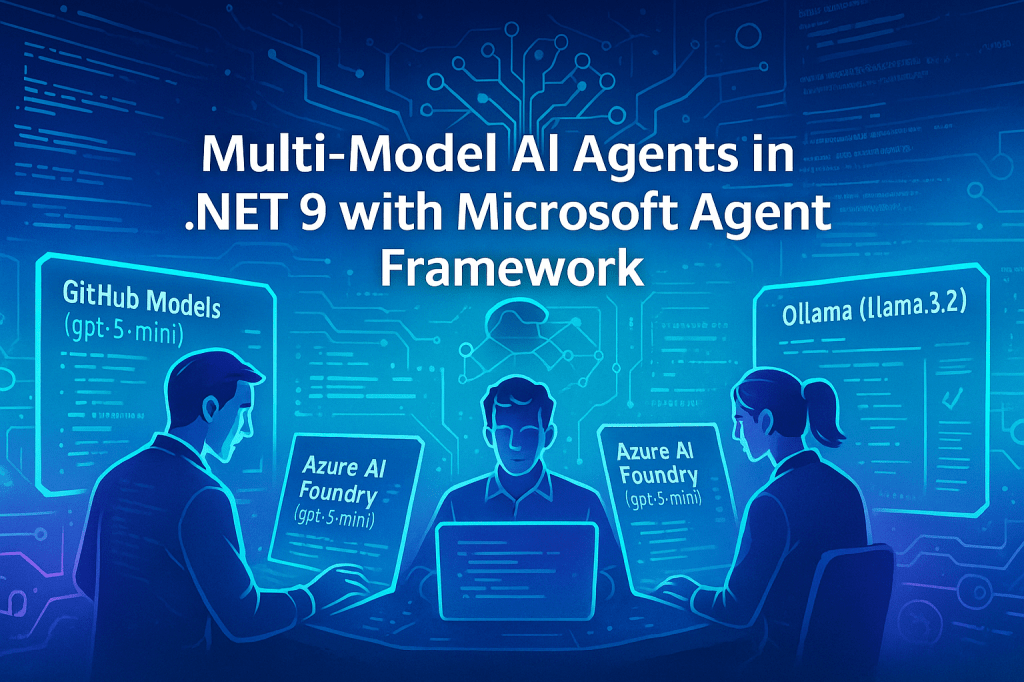
The solution brings together Azure AI Foundry (OpenAI), GitHub Models, and a local Ollama instance, allowing you to connect and coordinate multiple AI models within a single C# console app.
🎯 What this demo does
The project defines three AI agents—each powered by a different backend—and chains them into a sequential workflow:
| Agent | Model Source | Purpose |
|---|---|---|
| 🧠 Researcher | Azure AI Foundry or GitHub Models (gpt-5-mini) | Researches and summarizes the topic |
| ✍️ Writer | Azure AI Foundry or GitHub Models (gpt-5-mini) | Generates an engaging article |
| 🔍 Reviewer | Ollama (local llama3.2) | Reviews and provides editorial feedback |
These agents are connected using the Microsoft Agent Framework’s AgentWorkflowBuilder, producing a clear, traceable execution flow with telemetry output.
⚙️ Requirements
To run the demo, make sure you have:
Environment setup
- .NET 9 SDK
- Azure AI Foundry resource (for Azure OpenAI)
- GitHub Models token if you prefer GitHub-hosted inference
- Ollama running locally on port
11434
Environment variables or user secrets
Azure AI Foundry / OpenAI
endpoint=https://<your-resource>.services.ai.azure.com/
apikey=<your-key>      # optional if using managed identity
deploymentName=gpt-5-mini
GitHub Models
GITHUB_TOKEN=<your-github-token>
Ollama
ollama pull llama3.2
ollama run llama3.2
🧠 The ChatClientProvider design
The ChatClientProvider class is the key abstraction that hides provider-specific setup and configuration.
It supports three major backends: GitHub Models, Azure AI Foundry (OpenAI), and Ollama.
public static IChatClient GetChatClientOllama(string model = "llama3.2")
{
    return new OllamaApiClient(new Uri("http://localhost:11434/"), model);
}
For remote models, the method GetChatClient() first checks if a GitHub token exists.
If yes, it builds a GitHub Models client using ChatCompletionsClient.
If not, it switches to Azure AI Foundry, where you can choose between Managed Identity or API key authentication.
🔐 Authentication options
1️⃣ Default and recommended: Managed Identity
client = new AzureOpenAIClient(new Uri(endpoint), new DefaultAzureCredential())
    .GetChatClient(deploymentName)
    .AsIChatClient()
    .AsBuilder()
    .UseFunctionInvocation()
    .Build();
This approach leverages your Azure identity—ideal for cloud-hosted applications or local dev setups using az login.
It’s secure, credential-free, and production-ready.
2️⃣ Alternative: API Key
If no Managed Identity is available, fallback to API key credentials:
var apiKey = new ApiKeyCredential(config["apikey"]);
client = new AzureOpenAIClient(new Uri(endpoint), apiKey)
    .GetChatClient(deploymentName)
    .AsIChatClient()
    .AsBuilder()
    .UseFunctionInvocation()
    .Build();
Either way, the model deployed in both Azure and GitHub environments defaults to gpt-5-mini.
🧩 The workflow in Program.cs
The main app (Program.cs) defines and connects three agents using AgentWorkflowBuilder:
Workflow workflow =
    AgentWorkflowBuilder
        .BuildSequential(researcher, writer, reviewer);

AIAgent workflowAgent = await workflow.AsAgentAsync();
This creates a sequential execution chain:
Researcher → Writer → Reviewer → Final Output
Each agent uses the same IChatClient interface but runs on different model backends.
📡 Observability with OpenTelemetry
OpenTelemetry is integrated using:
using var tracerProvider = Sdk.CreateTracerProviderBuilder()
    .AddSource("agent-telemetry-source")
    .AddConsoleExporter()
    .Build();
Each agent reports trace events with model, provider, latency, and token usage.
The console output confirms telemetry from all three agents:
Activity.DisplayName: invoke_agent Researcher
gen_ai.request.model: gpt-5-mini
gen_ai.provider.name: openai
Activity.Duration: 00:00:25.98

Activity.DisplayName: invoke_agent Writer
gen_ai.request.model: gpt-5-mini
gen_ai.provider.name: openai
Activity.Duration: 00:00:17.09

Activity.DisplayName: invoke_agent Reviewer
gen_ai.request.model: llama3.2
gen_ai.provider.name: ollama
Activity.Duration: 00:00:05.75
✅ Each operation emits OpenTelemetry-compatible spans and tags, providing visibility across the workflow.
🧾 Example run
Running the demo produces this sequence:
=== Microsoft Agent Framework - Multi-Model Orchestration Demo ===
Setting up Agent 1: Researcher (Azure AI Foundry or GitHub Models)...
Setting up Agent 2: Writer (Azure AI Foundry or GitHub Models)...
Setting up Agent 3: Reviewer (Ollama)...
Creating workflow: Researcher -> Writer -> Reviewer
Starting workflow with topic: 'artificial intelligence in healthcare'
After the full orchestration, you get a polished, multi-paragraph article reviewing AI in healthcare—the result of the three agents collaborating end-to-end.
💡 Key takeaways
- Multi-model orchestration in .NET 9 is straightforward with the Microsoft Agent Framework.
IChatClientunifies access to Azure AI Foundry, GitHub Models, and local providers.- Managed Identity is the preferred and most secure way to authenticate with Azure.
- OpenTelemetry integration provides visibility into every step and model.
- You can easily extend this with additional providers or Model Context Protocol (MCP) tools.
🔗 References
- 💻 Demo repo:
https://github.com/microsoft/Generative-AI-for-beginners-dotnet/tree/main/06-AgentFx/src/AgentFx-MultiModel - 🧠 Model Context Protocol (C# SDK):
https://github.com/modelcontextprotocol/csharp-sdk - 📘 Microsoft Agent Framework overview:
https://learn.microsoft.com/en-us/agent-framework/overview/agent-framework-overview
Happy coding!
Greetings
El Bruno
More posts in my blog ElBruno.com.
More info in https://beacons.ai/elbruno
 El Bruno
Leave a comment