Hi !
I’ve been doing this for a while, and hey, a couple of days ago someone ask how to create a cool slide like this.

Super easy. Open the menu [Insert / Video / from Stock].

Then select a video. Bonus here to filter and look for a video that can be used as slide title or similar.
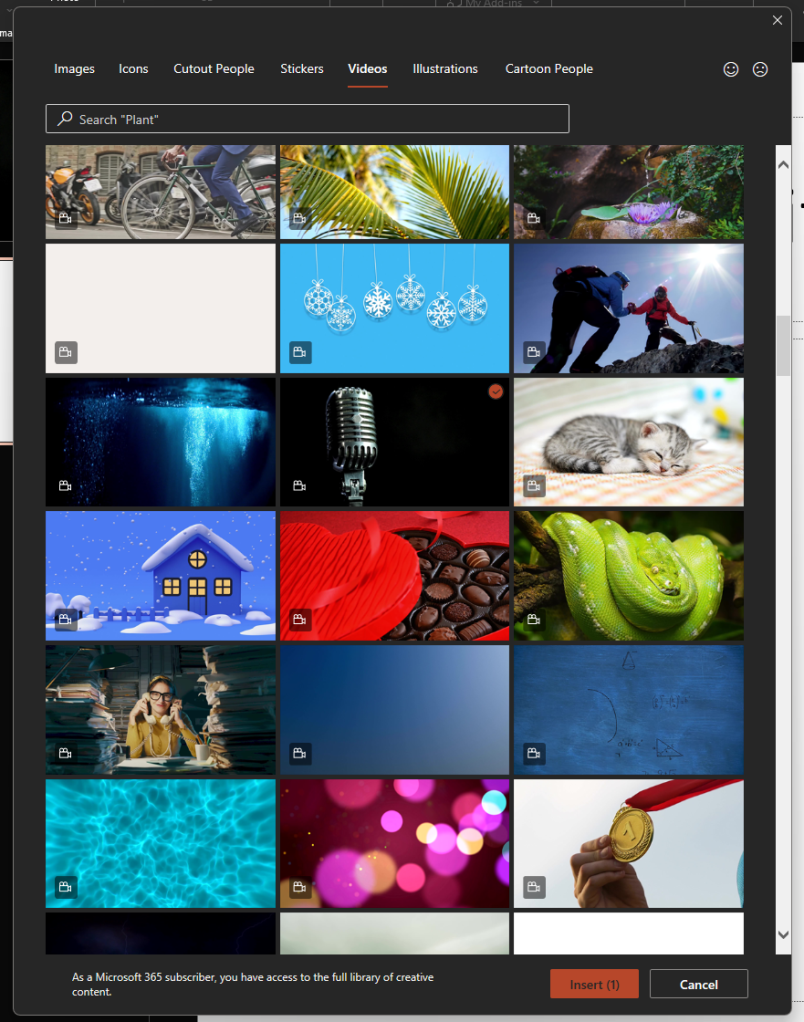
And that’s it, now it’s time to use your amazing PowerPoint skills to create a great presentation!

Happy coding!
Greetings
El Bruno
More posts in my blog ElBruno.com.
More info in https://beacons.ai/elbruno
 El Bruno
Leave a comment