
Hi!
Quick post today. This one is to save me 30 minutes of internet search next time I face this error.
Context:
New .Net Core Console App.
When I build the console app for the 1st time I got this error.
- Error: NETSDK1004
- Assets file ‘<Path> \EventConsoleApp01\obj\project.assets.json’ not found.
- Run a NuGet package restore to generate this file.
- C:\Program Files\dotnet\sdk\3.0.100\Sdks\Microsoft.NET.Sdk\targets\Microsoft.PackageDependencyResolution.targets

It’s a very silly error. However, if you are old school, the standard methods to fix this won’t work.
So the right way to fix this is to open the NuGet Package Manager Console [Tools // Nuget Package Manager / Package Manager Console] and type the command
dotnet restore

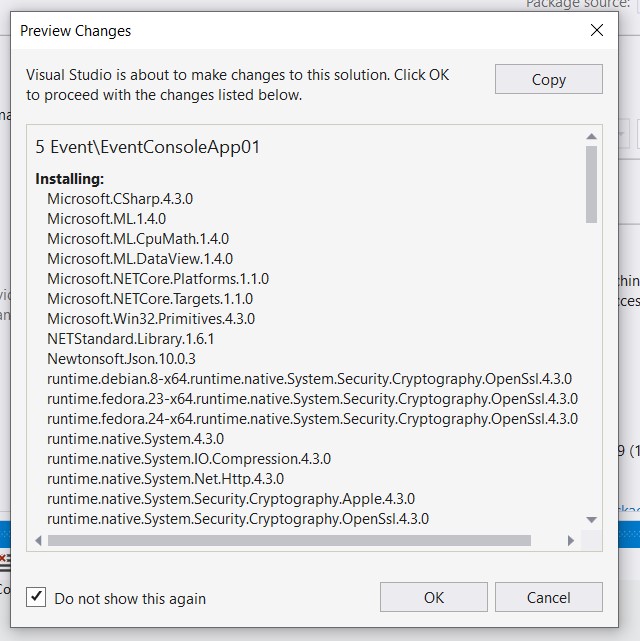
Then rebuild the project, and that’s it! The new build will restore all the package, and also install everything necessary for a console app to run
Happy coding!
Greetings @ Toronto
El Bruno
 El Bruno
Leave a comment