Hi!
In the last post comment how to try a Skill using the traditional interface that is provided in the edition of an Alexa Skill. Well, another option that we have in Beta mode is [Test Simulator]
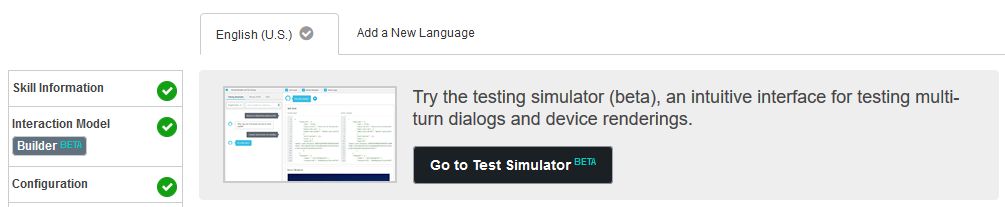
This new interface allows us to make a couple of interesting actions. On the one hand, it allows us to enter the text with which we want to test our Skill in the same way that we would with an Amazon Echo device.
For example, if we would like [Help] to [Bruno Events] it will return the following results
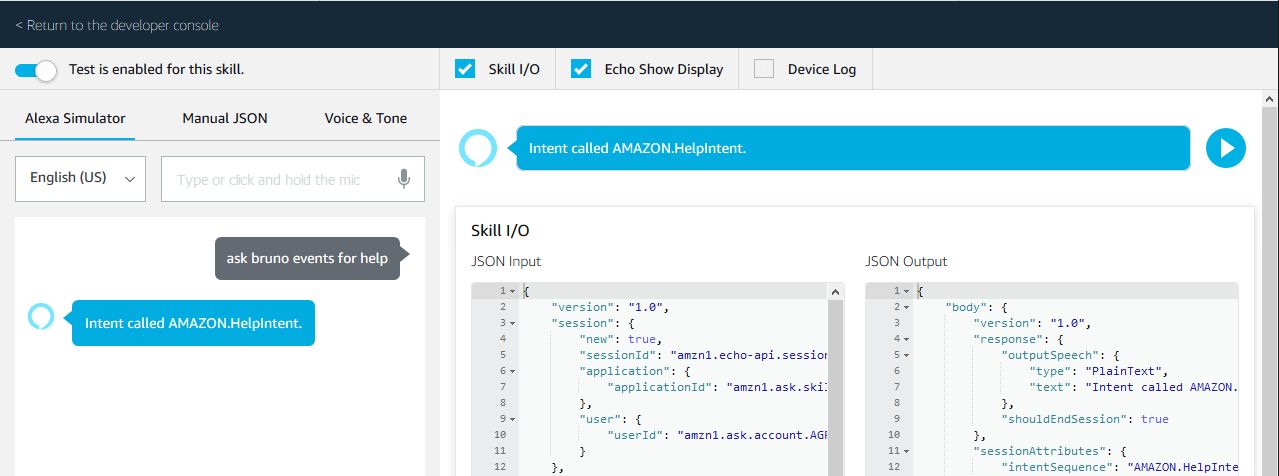
In this simulator we can listen to the same output that we will have in an Amazon Echo Device. The result for the Hololens Event question is similar
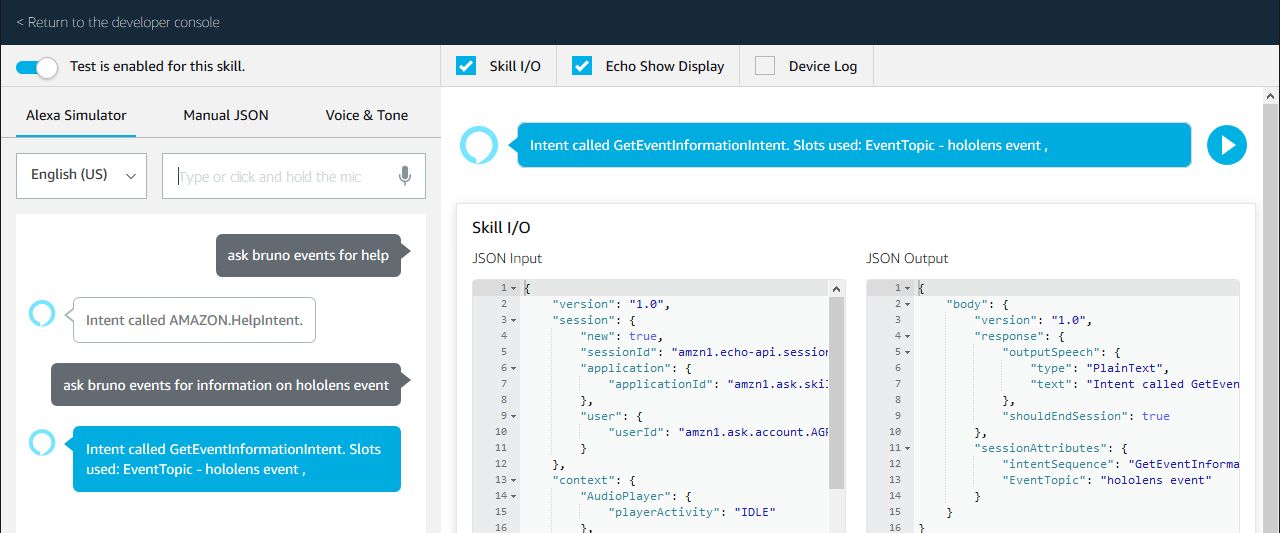
And, finally we can try the Speech Recognition Features, since using the microphone of our computer, we can test our Skill directly with our voice.

This allows us to try our Skill in the most natural way possible, even without having an Amazon Echo device.
Happy Coding!
Greetings @ Toronto
El Bruno
 El Bruno
Leave a comment