Hello!
Most of developers likes the chance to debug an application, this is something that comes as a plus and can help us in tons of scenarios. The case of Hololens is special since we could think in 2 models of debugging
- Visual Debugging. In addition to debugging, we could speak of 3D environments emulation without the need of using Hololens. We can do this using Hololens Emulator or even Unity3D in future versions (see references)
- Source Code Debugging. A classic for any developer, the capacity of real time Debuging on apps that are are running on the device.
As well, in the 2nd option there are several things that we can do to improve our experience of debugging. In 1st place, and as I wrote 5 years ago: disable Intellitrace. Another action that can help us is:
Disable the options of Diagnostics Tools
It is not very complicated and is an option that is enabled by default in Visual Studio.
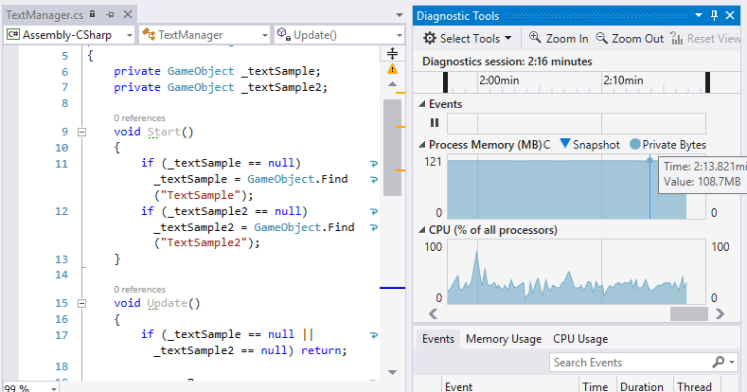
Disabling this option is very simple
- Menu Tools // Options
- Debugging // General
- Uncheck [Enable Diagnostic Tools while debugging]
With those 3 simple steps, your experience of purification will be much more pleasant.
Greetings @ Toronto
El Bruno
References
 El Bruno
Leave a comment