Hi !
The new Windows 10 Insiders version is fully loaded with some new cool features. Camtasia Studio is now working fine and now we now use our Windows Station as a Miracast Receiver (yes, like if we are the TV / Projector / screen to receive the signal).
To do this, we need to launch the Connect App
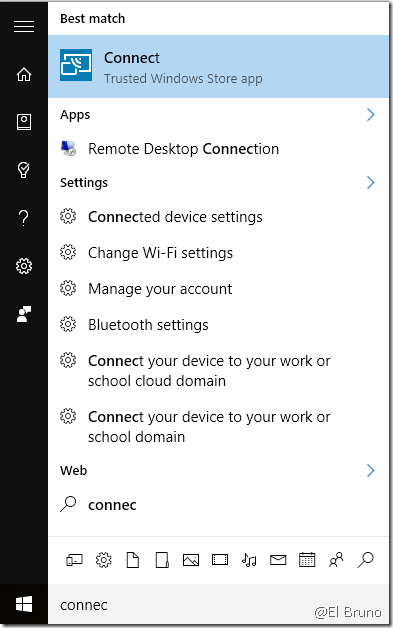
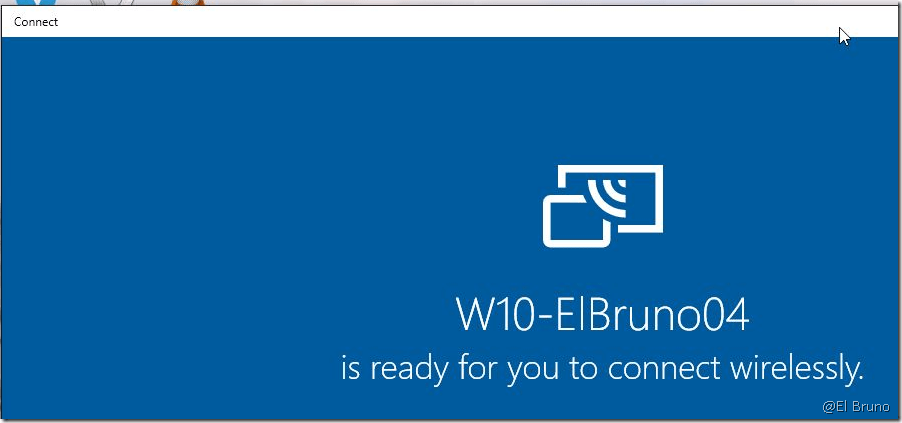
And we’ll see a nice mini TV waiting for an external source to connect.
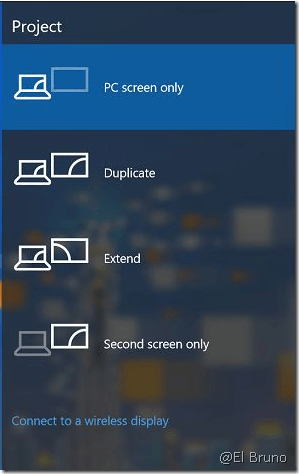
Now if we go to another device, who support connection to wireless display, we can choose this option [Connect to Wireless display]
And we are going to see the Windows 10 stations with the Connect App as an external monitor
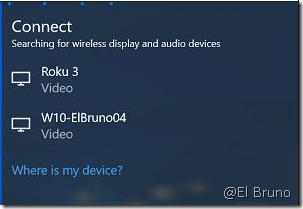
So, once we connect to the W10 we can see the Connect App displaying information about the device trying to connect
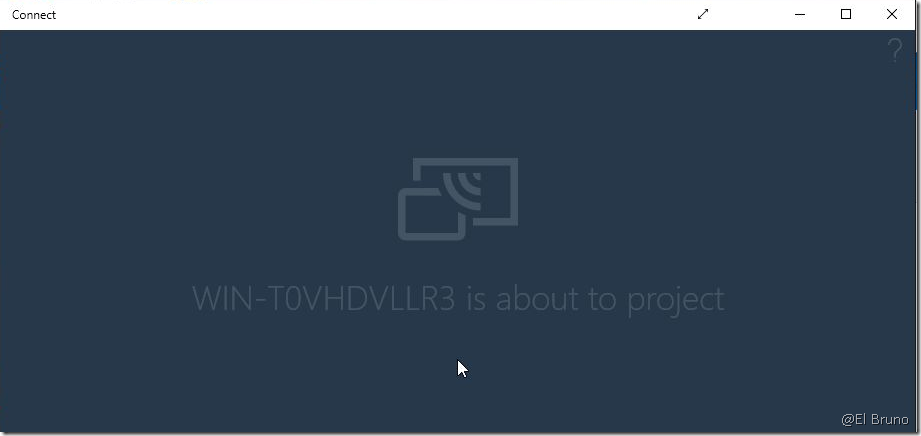
And that’s it, now we have our Connect App as an external monitor !!!
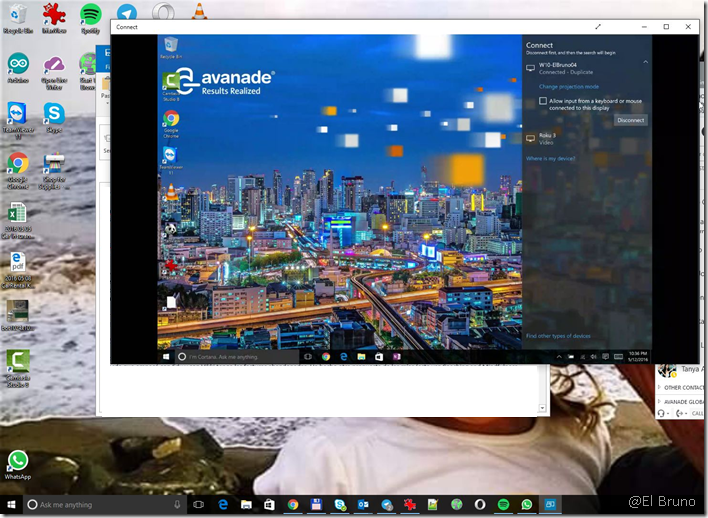
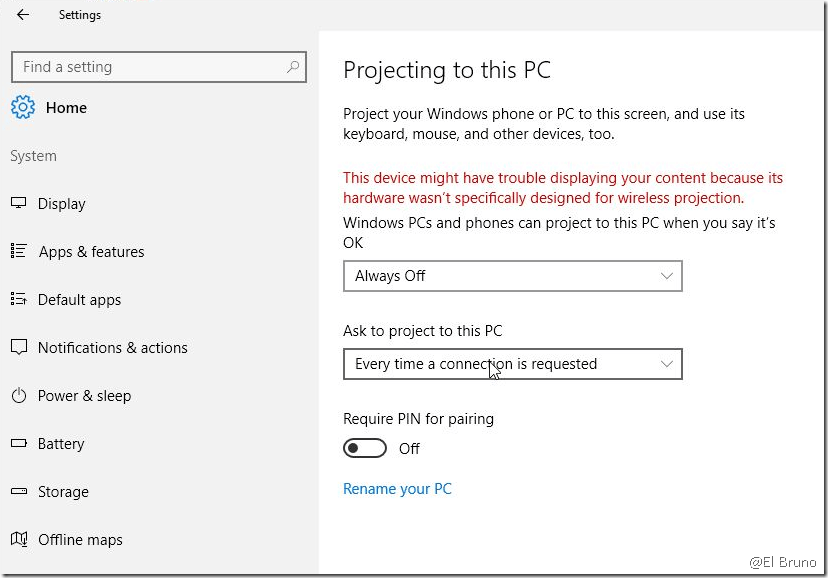
And if you are interested in some specific features, like security, access and more; in the Settings section we can find some interesting options
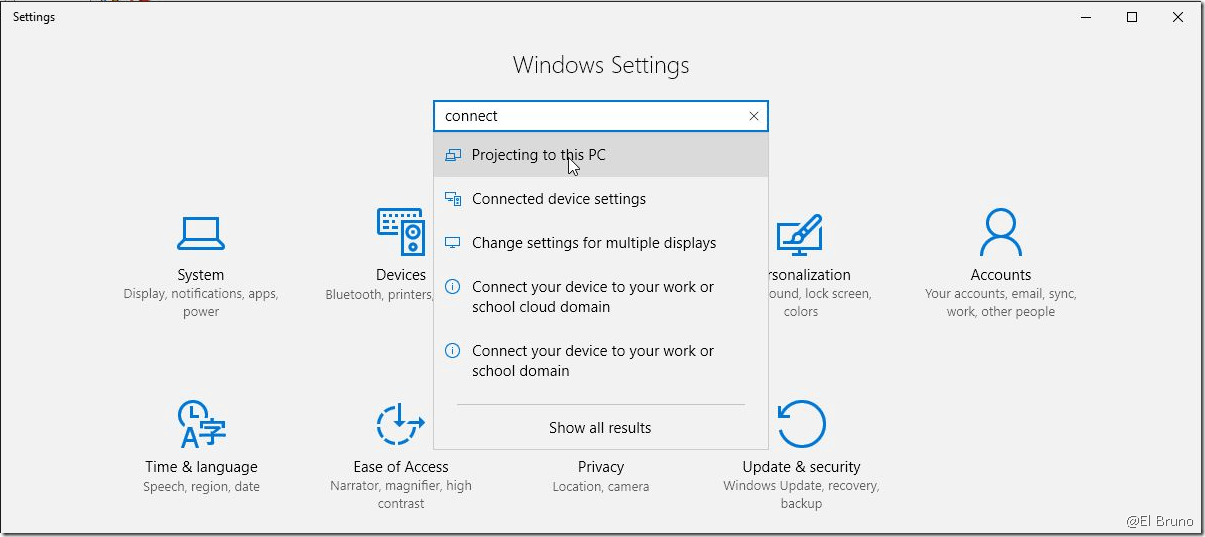
Like adding a PIN, ask for every device to connect, and more.
Really a cool feature !!!
Greetings @ Toronto
-El Bruno
References
 El Bruno
Leave a comment