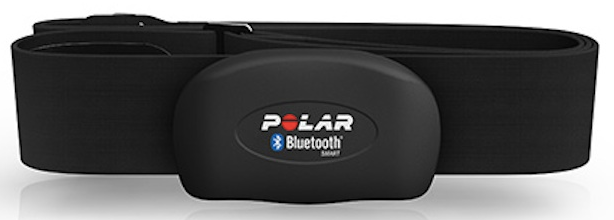
Hola!
Series
1. Pair Heart Rate Band using Bluetooth LE to be used in a Windows Universal App
2. Create a Windows Universal App and access to Heart Rate Band information
3. Display Heart Rate Band battery status in a Windows Universal App
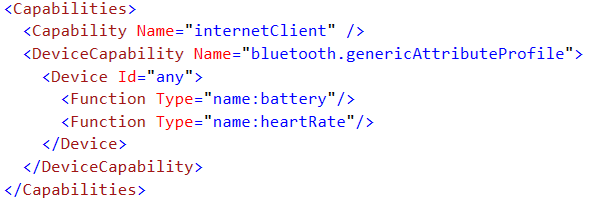
In my previous post, I wrote a series of steps to create a Windows Universal App and using this app read information from a Heart Rate Band. This band also exposes the battery charge as a characteristics, so we need to update our package manifest to read this value.
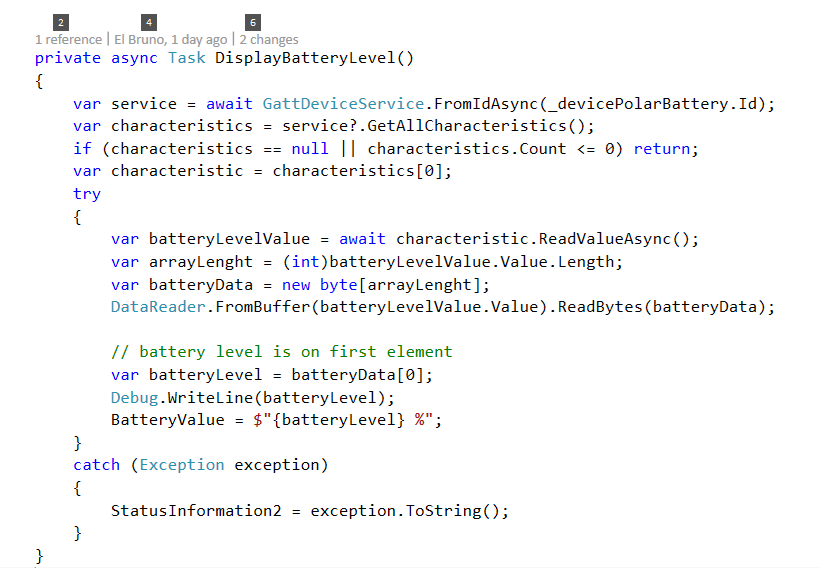
Now we can access to a device Service to read the battery charge value. In order to do this, we can use these lines of code
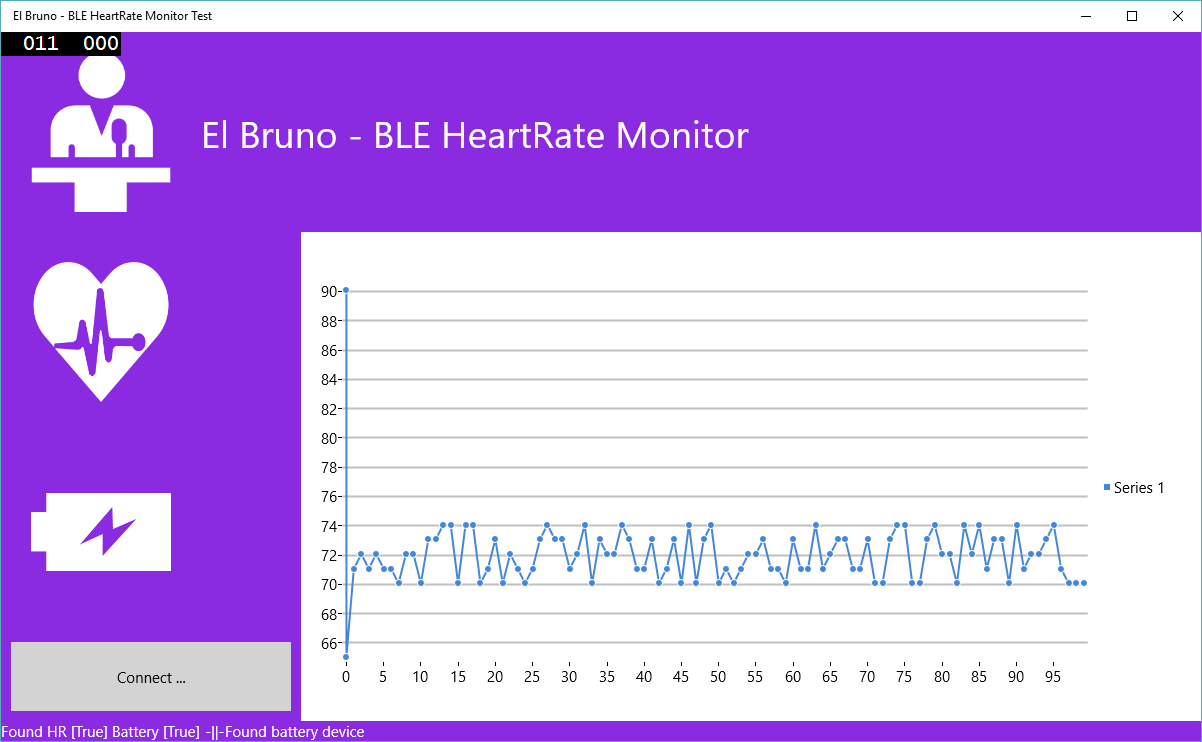
Now we can really Start to have an app displaying all this information.
Saludos @ Madrid
/El Bruno
References
– Polar Heart Rate Sensor H7, http://www.polar.com/us-en/products/accessories/H7_heart_rate_sensor


 El Bruno
Leave a comment