Hello!
After the hype of Visual Studio 2015, with their emulators for Android, multi platforms dev tools, etc. Today someone asked me why those options are not available in the installer? (weird one)
The truth is that I had tried VS2015 using Azure VMs and had spent zero time in the installation process. And of course it is better to give a review testing the real stuff.
Once launched the installer, it will request from us a couple of GBs in the disc and the classical development tools options. And “Yes” there are no cross platform options anywhere

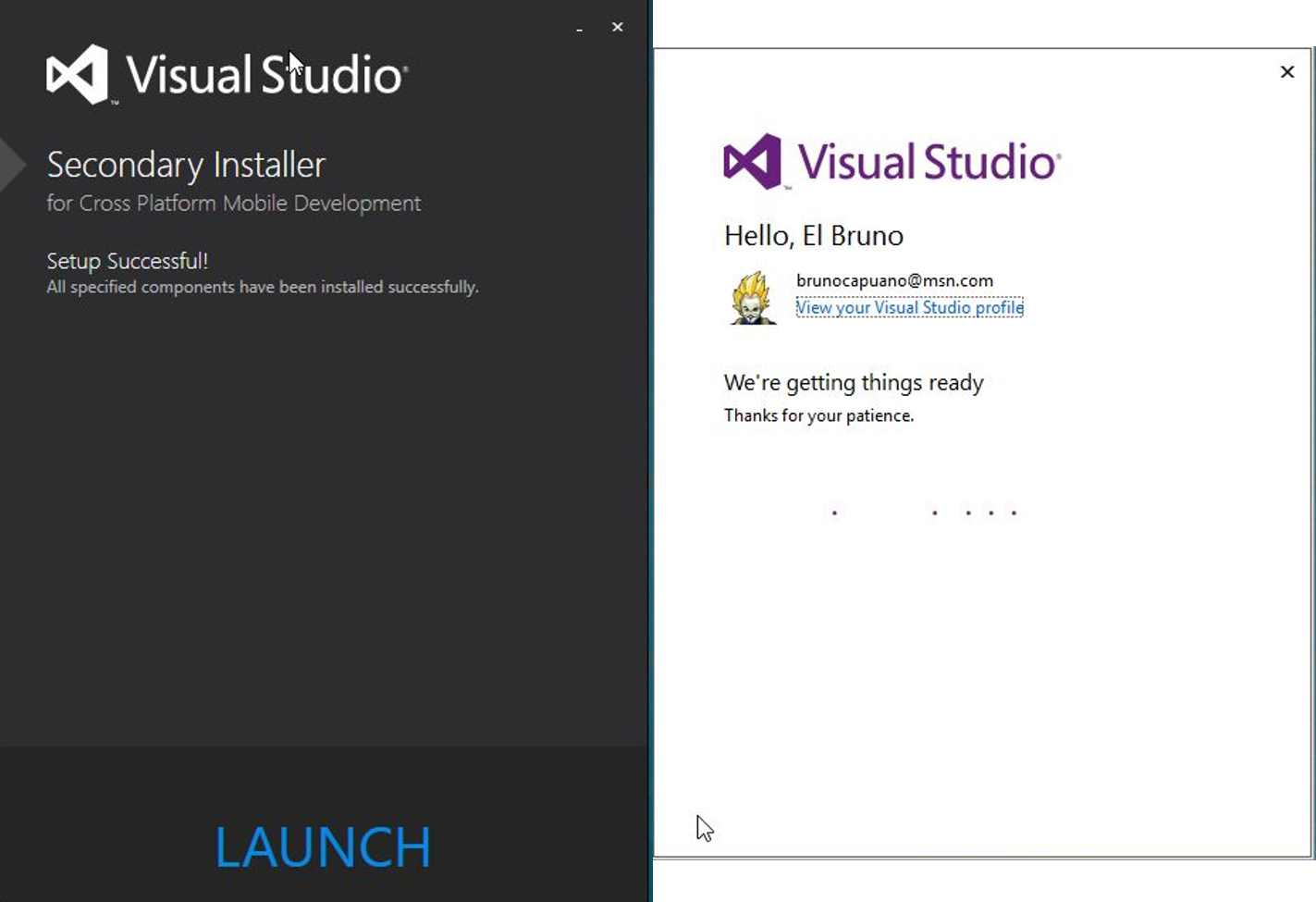
Once installed we need to read the small lettetr for the for Second Installer

This one is the one with the cross platform options

And now, we can see all within Visual Studio,
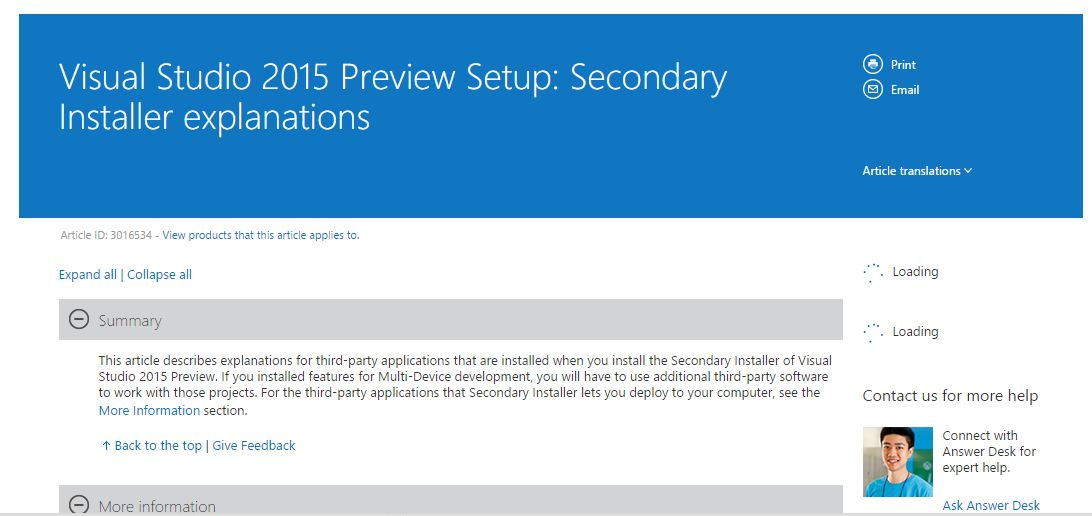
Along the way, the installer invites us to navigate this page where they explain why this installer 2nd
Visual Studio 2015 Preview is ready to be used. In upcoming posts I will discuss experiences with the development within it, in a real environment 😀
Greetings @ Madrid
/El Bruno
 El Bruno
Leave a comment