Hello!
When you debug apps for connected devices to your computer, is always important to be able to “see” the information being sent between your laptop and the device. If the environment involves an Arduino, it is quite simple. You can do it with the Arduino IDE with the option “Serial Monitor”
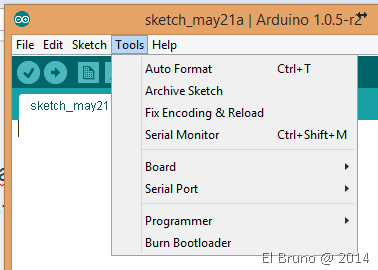
This viewer is very simple, however allows the 2 basic options that we need to “see the information” that is sent from the device to the serial port and “send information” to it.
When what you need is to go a step further, and see any COM port, there are several options that come to your rescue. One of them, is part of Visual Micro and is called “Serial Communication Tool and Viewer“.
This extension for Visual Studio allows you to send and receive information through a port number and also work with several at the same time. Another puntazo for Visual Micro 

Download: http://visualstudiogallery.msdn.microsoft.com/e5f7e1e1-1899-4e3d-b088-d559bab69f25
Saludos @ Barcelona
El Bruno
 |
 |
 |
 El Bruno
Leave a comment