Hello!
After my previous post on How to subscribe to the click event button in Pebble, today I will continue with the example, doing an app a little bit more interactive. The first thing is to add a couple of images that we are going to use in the app. Using MetroStudio (excellent app with many free examples of icons, I wrote here on the subject), I added the following image, a png of 48 × 48 pixels in size. Only black and white colors. I’ve set the ID of this resource as [FOOTBALL]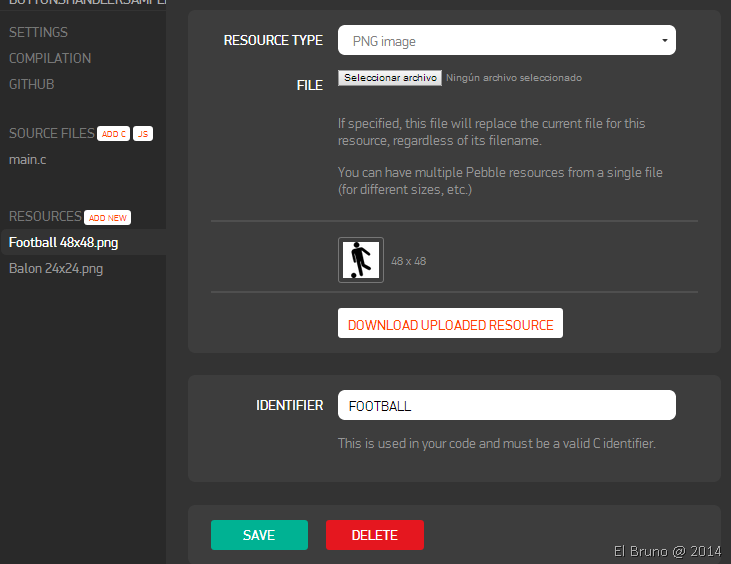 also I added another small picture, which is that I will use as an icon of the application. In this case, the image is also a PNG with black and white colors, and size 24 × 24 pixels.
 To define it as the image of the app at Pebble, we access the Settings menu and then select the image for the option [Menu Image]
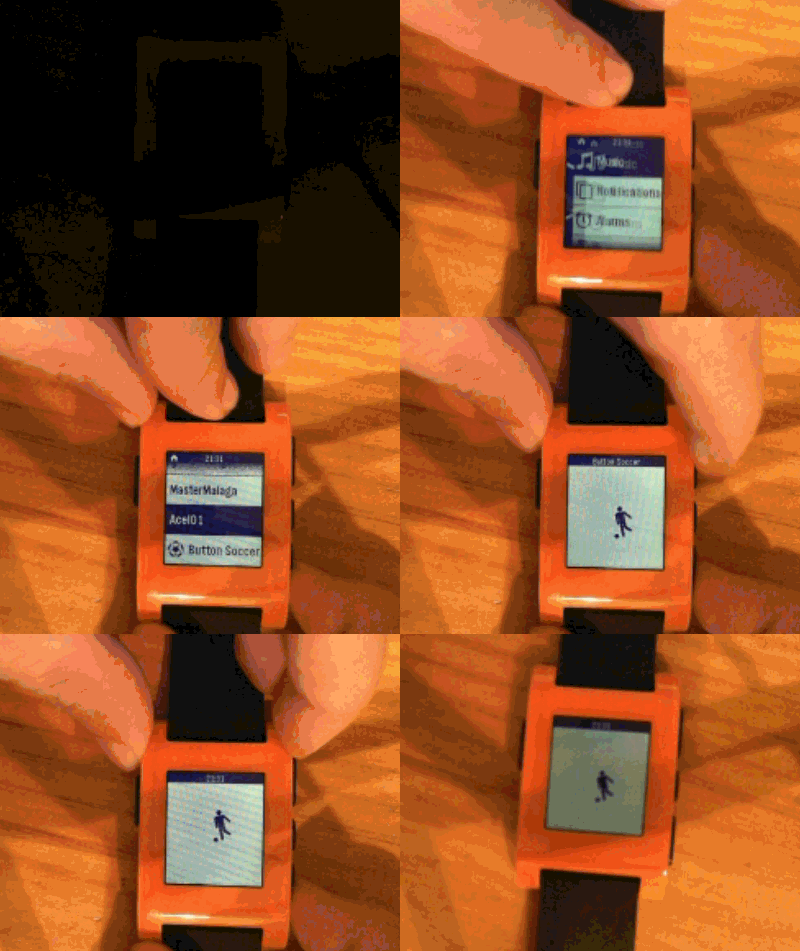
 then in the video to see how it looks in the app. Return a little detail of the post, the idea is to add this image in the center of the Pebble, and using the Up and Down buttons, move the same or down. The final app code is as follows
Gists
In this code sample, you can get:
- I define a bitmap and bitmap layer (lines 4 and 5) are what I will use to display the image. In the handle_Init (74) I initialize and I think the image.
- Important: the way of referencing the resource that I added before and that I have called is joining the name of the resource to the [RESOURCE_ID] prefix, the result is [RESOURCE_ID_FOOTBAL] in the 80 line.
- In the (36) ButtonUp or ButtonDown click handler (49), valid for the current position of the layer, and active an animation to move it up or down.
- On_animation_stopped (9), animate_layer (15) features copy them this post and the truth which are the basis for the creation and movement of the layer with the image
In the following video you can see the app running
Saludos @ La Finca
El Bruno
 |
 |
 |
 El Bruno
Leave a comment