Hi!
Today I have to use some part of my memory skills to remember how to debug an external exe file in Visual Studio. For this task I usually use WinDbg, however this scenario must be easier than that.
So a couple of steps for thos:
1. Open Visual Studio
2. Menu “File // Open // Project or Solution”
3. In the File System select the EXE file to debug
4. Done! press F5 or Run, and Visual Studio will run the app and it will attach to this process.
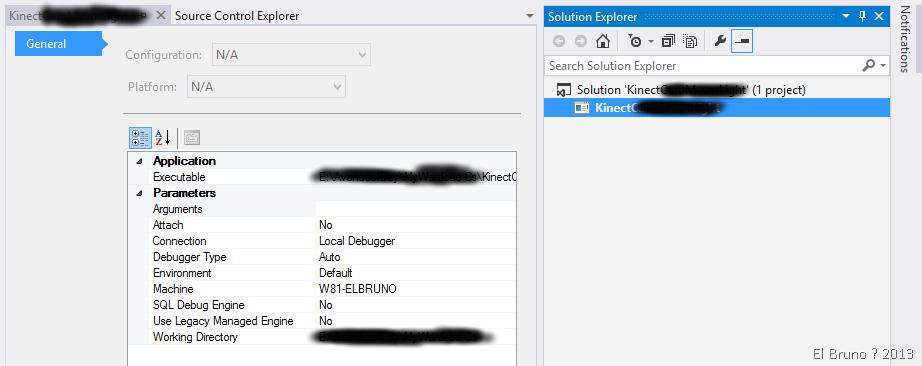
Very easy? If you take a look at the project properties, you’ll see the EXE path, working directory, etc.
Now bonus track, you can also launch a Profiling session into this external file.

The profiling process is the one you already knows, and is also great.
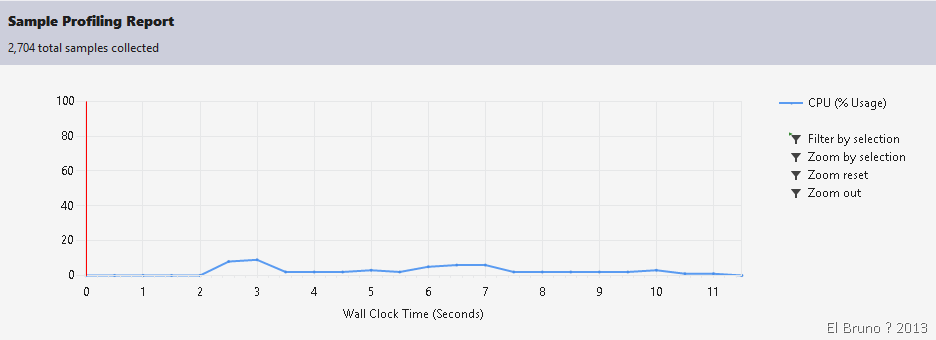
This option is great if you want to avoid WinDbg, however if you really want more details go to WinDbg world!
Greetings @ Munich
El Bruno
 |
 |
 |
 El Bruno
Leave a comment